




Adobe Animate: Motion Tweening and Hand-Drawn Techniques

Adobe Animate: Motion Tweening and Hand-Drawn Techniques

Adobe Animate: Motion Tweening and Hand-Drawn Techniques

Learn to draw and animate in Adobe Animate, covering tweens, motion using symbols, hand-drawn techniques, and character exercises like the flour sack.

Class Experience

A practical Adobe Animate course introducing drawing tools, three types of tweens, symbol-based motion, and traditional hand-drawn animation methods within the software. Students complete guided exercises (bouncing ball, flying bee, flour sack) to practice motion design and frame-by-frame animation techniques.

Learning Outcomes

  • Bullet point

    Draw using Adobe Animate's tools

  • Bullet point

    Use Adobe Animate for motion tweening and symbol-based animation

  • Bullet point

    Apply hand-drawn/traditional animation techniques inside Adobe Animate

  • Bullet point

    Create short practice animations (bouncing ball, symbol motion, character exercises)

Prerequisites

Materials needed:

Students will need an up to date Mac or PC with the Adobe Animate software installed.

Please be logged in from the same device as the student will be working on so I can assist them via screen-share.

What You'll Need

Software
ADOBE_ANIMATE
Device and internet
Windows Computer / Mac Computer
Websites
youtube.com

Syllabus

5 Lessons

A step-by-step plan of what your child learns, class by class. · 6 Weeks

Drawing & Tweens

Learn drawing tools and the three types of tweens available in Adobe Animate.

Motion Tweening

Create a bouncing ball animation using motion tweens to practice timing.

Symbols & Motion

Animate a symbol-based character element, such as a flying bee.

Hand-Drawn Basics

Explore frame-by-frame hand-drawn animation techniques within the software.

Flour Sack Exercises

Develop a flour sack character in exercises that focus on personality and motion.

Available Times

Next 7 days, US Eastern Time

  • Tue, Nov 24 · 11:00 AM
  • Thu, Nov 26 · 7:00 PM
  • Fri, Nov 27 · 1:00 PM
  • Fri, Nov 27 · 4:00 PM
  • Sun, Nov 29 · 11:00 AM

Meet your Instructor

Joined July, 2026

10+

Years

400+

Students

An experienced team of animation and game design professionals leads practical classes that cover drawing, timing, tweening, frame-by-frame techniques, and character motion for games and animation. Instruction blends fundamental drawing skills with software workflows to help learners build confidence and technical fluency. Emphasis is placed on clear demonstrations, sequential practice, and short project work so students complete animations they can be proud of. Constructive feedback and stepwise challenges help each creator progress from simple exercises to polished animated sequences.

Student Projects Gallery

Reviews

New class, no reviews yet

Be one of the first families to join. Parents can leave a review after their first class.

Not satisfied after the first class? Full refund.
Graphic Design with Canva: Create Posters, Merch & Digital Graphics
TG

T. G.

Graphic Design with Canva: Create Posters, Merch & Digital Graphics

Mixed Level

Level

14–18

Ages

30 min

Duration

1 / Week

Classes

10

Weeks

$24.00per class
See schedule
Graphic Design with Canva: Projects, GIFs, and Stop-Motion
MB

Madhav B.

Graphic Design with Canva: Projects, GIFs, and Stop-Motion

Mixed Level

Level

10–15

Ages

45 min

Duration

1 / Week

Classes

8

Weeks
$19.00per class
See schedule
Create and Animate an Original Character Inspired by The Amazing Digital Circus
MT

Mrs. T.

Create and Animate an Original Character Inspired by The Amazing Digital Circus

Beginner

Level

10–15

Ages

50 min

Duration

1 / Week

Classes

7

Weeks

$16.00per class
See schedule
Blender Character & Creature Modeling (Intermediate)
MT

Mrs. T.

Blender Character & Creature Modeling (Intermediate)

Intermediate

Level

12–17

Ages

60 min

Duration

5 / Week

Classes

1

Weeks

$19.00per class
See schedule
The Art and History of Disney Animation
PP

Prisha P.

The Art and History of Disney Animation

Beginner

Level

11–16

Ages

50 min

Duration

1 / Week

Classes

10

Weeks
$15.00per class
See schedule
Film Study & YouTube Movie-Making: Cinematography and Effects
GR

Gautam R.

Film Study & YouTube Movie-Making: Cinematography and Effects

Beginner

Level

9–14

Ages

50 min

Duration

1 / Week

Classes

3

Weeks
$19.00per class
See schedule
Advanced Video Editing: DaVinci Resolve Fusion Techniques
MM

Mr. M.

Advanced Video Editing: DaVinci Resolve Fusion Techniques

Advanced

Level

12–16

Ages

55 min

Duration

1 / Week

Classes

6

Weeks
$19.00per class
See schedule
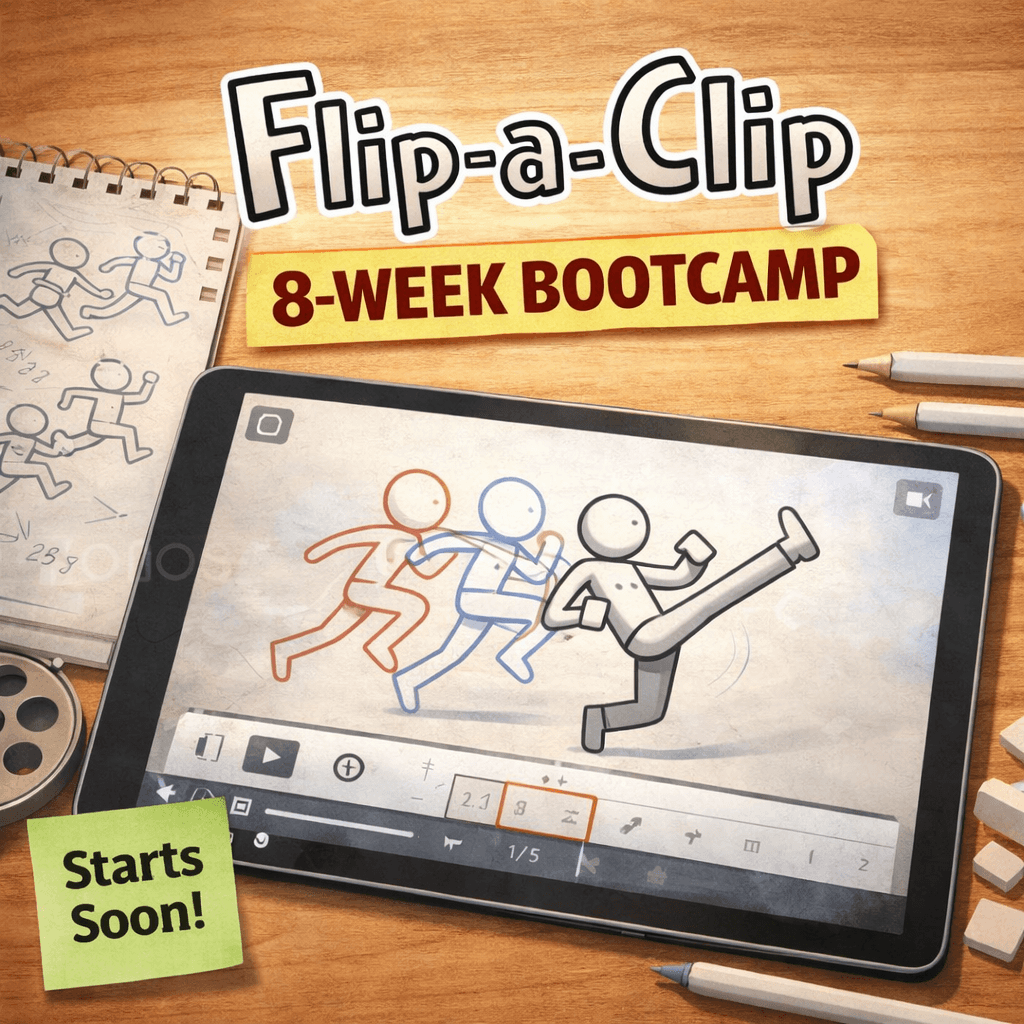
Flip-A-Clip Animation Bootcamp: Frame-by-Frame Fundamentals
GJ

Gaurav J.

Flip-A-Clip Animation Bootcamp: Frame-by-Frame Fundamentals

Beginner

Level

10–15

Ages

55 min

Duration

1 / Week

Classes

8

Weeks

$22.00per class
See schedule