Adobe Photoshop Basics: Digital Design & Portfolio Projects

Adobe Photoshop Basics: Digital Design & Portfolio Projects

Adobe Photoshop Basics: Digital Design & Portfolio Projects

Learn essential Photoshop tools and workflows to create text, patterns, illustrations, and composite images while building a small portfolio.

Class Experience

This beginner Photoshop course uses a live-build, project-based approach to teach core tools and design thinking. Students learn text and shape tools, patterns, custom brushes, layers and effects, and combine sketchbook planning with software tutorials to produce themed projects such as a four-part series, pop-art, and composite images.

Learning Outcomes

  • Bullet point

    Navigate the Adobe Photoshop workspace and identify essential tools for text, shapes, and brushes

  • Bullet point

    Manipulate and style text and patterns for visual projects

  • Bullet point

    Install and use custom digital 'stamp' brushes for illustrations

  • Bullet point

    Apply layers and effects to create a themed multi-part design series

  • Bullet point

    Develop a workflow from physical sketchbook planning to finished digital designs

What You'll Need

Supplies
Sketchbook - A5 Or A4
Software
ADOBE_PHOTOSHOPZOOM
Device and internet
Second Monitor
Websites
brusheezy.com

Syllabus

8 Lessons

A step-by-step plan of what your child learns, class by class. · 8 Weeks

Text & Typography

Learn the Type tool to add, edit and style text for digital projects.

Patterns & Effects

Create and edit patterns and apply effects to enhance dimensionality and style.

Shapes & Object Styling

Add, merge and style shapes to design objects and engraved effects.

Four Elements: Water & Fire

Complete the themed project by creating water and fire visuals with effects.

Pop Art Project

Explore pop-art styles and produce a bold, stylized artwork.

Composite Image Techniques

Merge multiple images and use compositing techniques to create photo illusions.

Available Times

Next 7 days, US Eastern Time

  • Tue, Nov 24 · 10:00 AM
  • Tue, Nov 24 · 5:00 PM
  • Thu, Nov 26 · 4:00 PM
  • Fri, Nov 27 · 10:00 AM
  • Sat, Nov 28 · 4:00 PM
  • Sun, Nov 29 · 11:00 AM

Meet your Instructor

Joined July, 2026

10+

Years

300+

Students

With more than ten years working as a graphic designer, this educator brings practical experience in branding, print and web design, photography, video, and illustration to the classroom. Lessons cover Adobe Photoshop basics, advanced DaVinci Resolve editing and Fusion techniques, color grading, and digital project workflows for YouTube and gaming content. Instruction focuses on portfolio-worthy projects, creative problem solving, and clear technical demonstrations so learners develop both artistic vision and practical production skills.

Reviews

New class, no reviews yet

Be one of the first families to join. Parents can leave a review after their first class.

Not satisfied after the first class? Full refund.
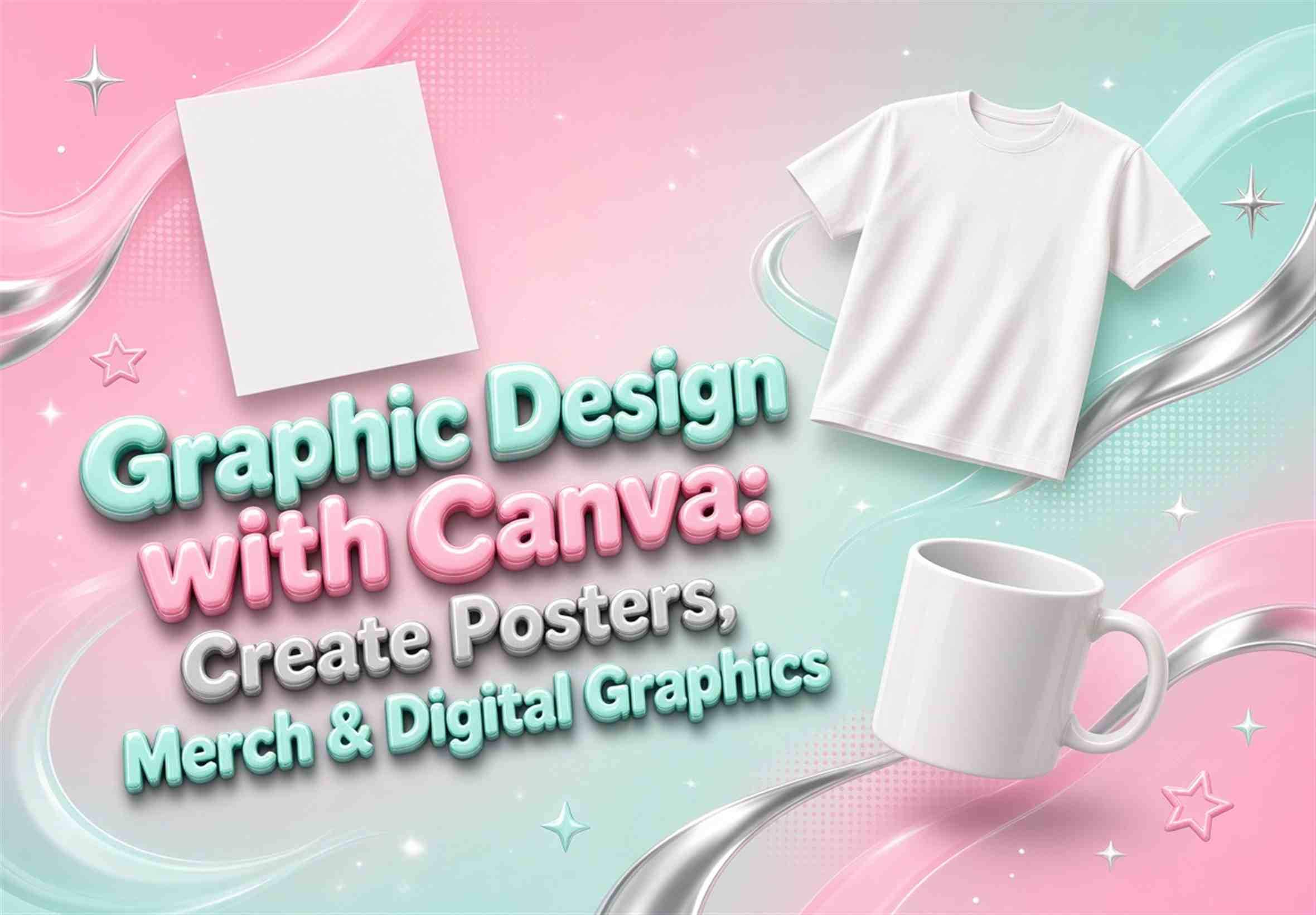
Graphic Design with Canva: Create Posters, Merch & Digital Graphics
TG

T. G.

Graphic Design with Canva: Create Posters, Merch & Digital Graphics

Mixed Level

Level

14–18

Ages

30 min

Duration

1 / Week

Classes

10

Weeks

$24.00per class
See schedule
YouTube Creator Camp: Channel Planning, Recording & Thumbnails
PS

P. S.

YouTube Creator Camp: Channel Planning, Recording & Thumbnails

Beginner

Level

7–12

Ages

30 min

Duration

2 / Week

Classes

2

Weeks
$17.75per class
See schedule
Adobe Illustrator Basics: Vector Drawing and Design
RF

Rinhlupuii F.

Adobe Illustrator Basics: Vector Drawing and Design

Beginner

Level

11–16

Ages

55 min

Duration

1 / Week

Classes

12

Weeks

$20.50per class
See schedule
Plan, Create & Print a 20-Page Book: Writing and Illustration
AS

Annapurna S.

Plan, Create & Print a 20-Page Book: Writing and Illustration

Beginner

Level

7–12

Ages

50 min

Duration

1 / Week

Classes

8

Weeks

$19.13per class
See schedule
Graphic Design with Canva: Projects, GIFs, and Stop-Motion
MB

Madhav B.

Graphic Design with Canva: Projects, GIFs, and Stop-Motion

Mixed Level

Level

10–15

Ages

45 min

Duration

1 / Week

Classes

8

Weeks

$19.00per class
See schedule
Graphic Design Basics with Canva: Posters, Printables & Products
SS

Shweta S.

Graphic Design Basics with Canva: Posters, Printables & Products

Beginner

Level

9–14

Ages

55 min

Duration

4 / Week

Classes

2

Weeks
$23.00per class
See schedule
Canva Design Club: Guided Graphic Design Challenges
Club
SN

Sanjana N.

Canva Design Club: Guided Graphic Design Challenges

Mixed Level

Level

9–14

Ages

50 min

Duration

1 / Week

Classes

Ongoing

Weeks

$21.00per class
See schedule
Canva Digital Design: Posters, Thumbnails & Presentations
MA

Mrs. A.

Canva Digital Design: Posters, Thumbnails & Presentations

Beginner

Level

8–12

Ages

55 min

Duration

4 / Week

Classes

2

Weeks
$25.00per class
See schedule