


Animation Fundamentals with Flip-a-Clip

Animation Fundamentals with Flip-a-Clip

Animation Fundamentals with Flip-a-Clip

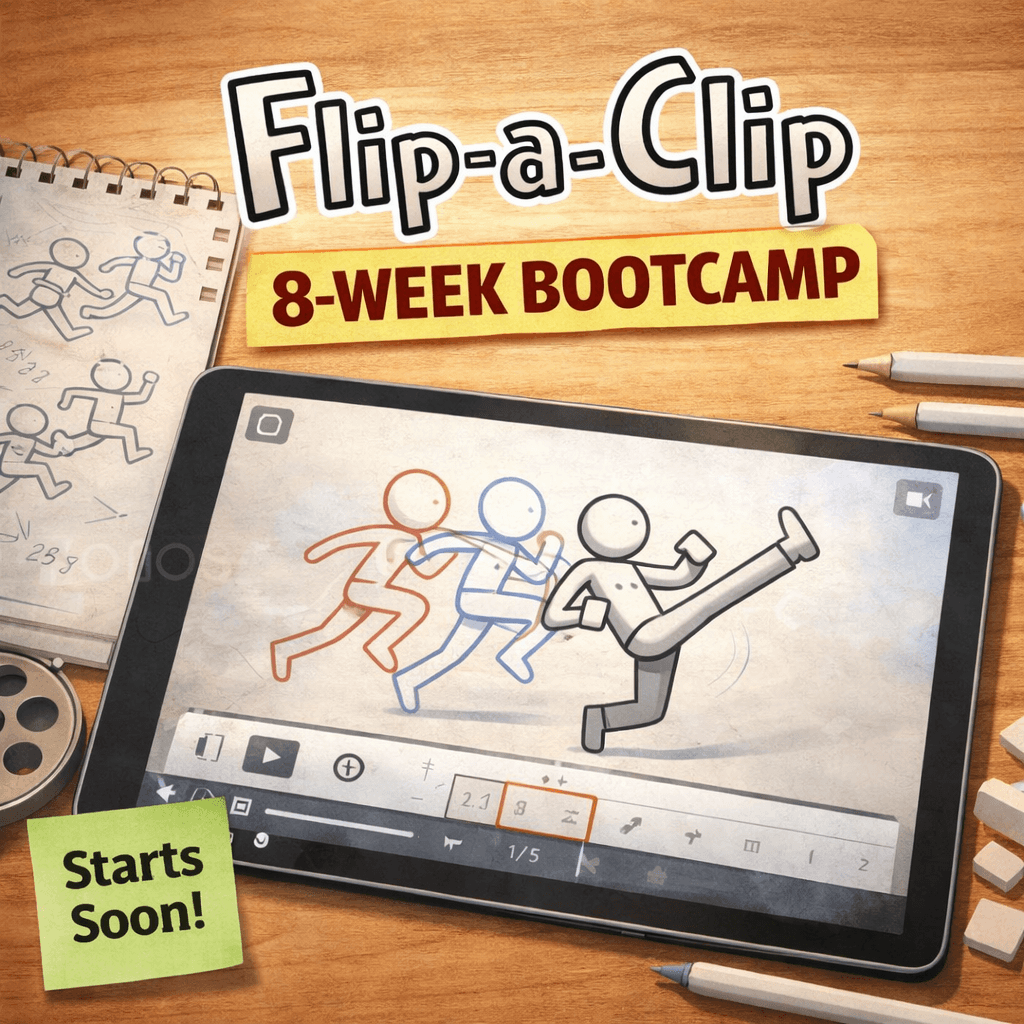
Learn core animation principles and how to use the Flip-a-Clip app to create frame-by-frame animations, character movement, and scene transitions.

Class Experience

An ongoing course introducing animation fundamentals—timing, spacing, movement—and practical use of the Flip-a-Clip app. Lessons cover frame-by-frame animation, onion skinning, layering, squash/stretch, camera movement, and include hands-on projects and demonstrations to build practical skills.

Learning Outcomes

  • Bullet point

    Explain and apply core animation principles such as timing, spacing, and movement.

  • Bullet point

    Use the Flip-a-Clip interface and tools to create animations.

  • Bullet point

    Create frame-by-frame animations using techniques like onion skinning, layering, squash/stretch, and camera movement.

What You'll Need

Supplies
Digital Stylus
Software
FLIPACLIP
Device and internet
Drawing TabletPhone

Syllabus

4 Lessons

A step-by-step plan of what your child learns, class by class. · 1 Week

Animation Principles
Introduce timing, spacing and movement fundamentals that underpin all animations.

Flip-a-Clip Basics

Learn the Flip-a-Clip interface, tools, and workflow for creating animations.

Key Techniques

Practice frame-by-frame animation, onion skinning, layering, squash/stretch and camera movement.

Applied Projects

Complete hands-on projects and demonstrations to apply techniques to character and object animations.

Available Times

Next 7 days, US Eastern Time

  • Tue, Nov 24 · 11:00 AM
  • Wed, Nov 25 · 4:00 PM
  • Thu, Nov 26 · 11:00 AM
  • Thu, Nov 26 · 1:00 PM
  • Thu, Nov 26 · 4:00 PM
  • Fri, Nov 27 · 10:00 AM
  • Fri, Nov 27 · 4:00 PM
  • Sat, Nov 28 · 10:00 AM

Meet your Instructor

Joined July, 2026

10+

Years

2,100+

Students

With over a decade of experience teaching drawing and digital art to children, this educator founded and leads Imagination Art Studio, delivering classes in drawing, digital illustration, frame-by-frame animation, and 3D modeling. Classroom work emphasizes strong foundations—breaking shapes, proportions, and practical strategies—while keeping projects imaginative and enjoyable. As a parent of five and operator of a family-centered small business, the instructor adapts lessons for diverse learning styles and neurodivergent students, helping learners leave with finished pieces, clearer technique, and renewed creative confidence.

Student Projects Gallery

Reviews

New class, no reviews yet

Be one of the first families to join. Parents can leave a review after their first class.

Not satisfied after the first class? Full refund.
Graphic Design with Canva: Create Posters, Merch & Digital Graphics
TG

T. G.

Graphic Design with Canva: Create Posters, Merch & Digital Graphics

Mixed Level

Level

14–18

Ages

30 min

Duration

1 / Week

Classes

10

Weeks

$24.00per class
See schedule
Graphic Design with Canva: Projects, GIFs, and Stop-Motion
MB

Madhav B.

Graphic Design with Canva: Projects, GIFs, and Stop-Motion

Mixed Level

Level

10–15

Ages

45 min

Duration

1 / Week

Classes

8

Weeks
$19.00per class
See schedule
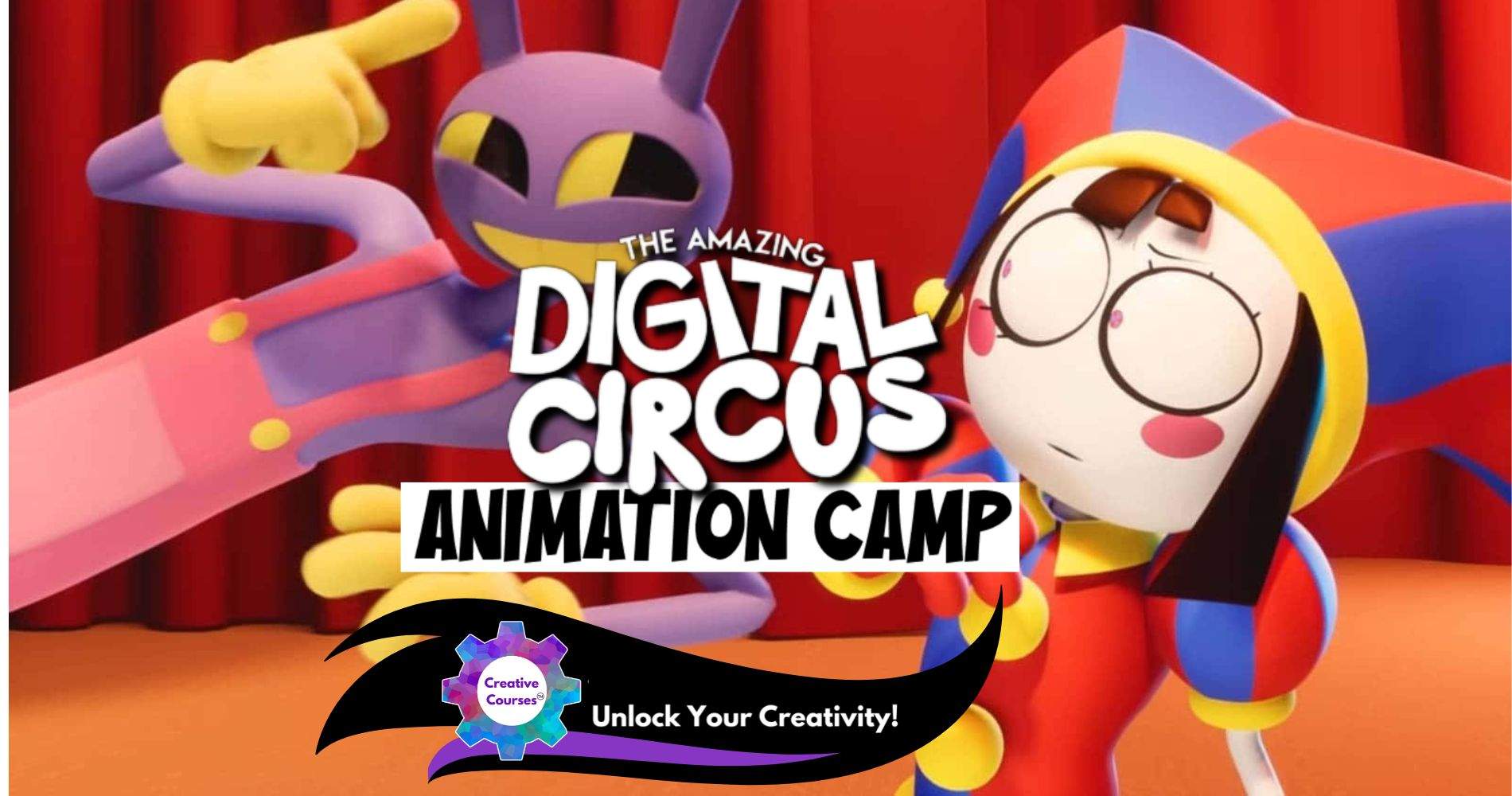
Create and Animate an Original Character Inspired by The Amazing Digital Circus
MT

Mrs. T.

Create and Animate an Original Character Inspired by The Amazing Digital Circus

Beginner

Level

10–15

Ages

50 min

Duration

1 / Week

Classes

7

Weeks

$16.00per class
See schedule
Blender Character & Creature Modeling (Intermediate)
MT

Mrs. T.

Blender Character & Creature Modeling (Intermediate)

Intermediate

Level

12–17

Ages

60 min

Duration

5 / Week

Classes

1

Weeks

$19.00per class
See schedule
The Art and History of Disney Animation
PP

Prisha P.

The Art and History of Disney Animation

Beginner

Level

11–16

Ages

50 min

Duration

1 / Week

Classes

10

Weeks
$15.00per class
See schedule
Film Study & YouTube Movie-Making: Cinematography and Effects
GR

Gautam R.

Film Study & YouTube Movie-Making: Cinematography and Effects

Beginner

Level

9–14

Ages

50 min

Duration

1 / Week

Classes

3

Weeks
$19.00per class
See schedule
Advanced Video Editing: DaVinci Resolve Fusion Techniques
MM

Mr. M.

Advanced Video Editing: DaVinci Resolve Fusion Techniques

Advanced

Level

12–16

Ages

55 min

Duration

1 / Week

Classes

6

Weeks
$19.00per class
See schedule
Flip-A-Clip Animation Bootcamp: Frame-by-Frame Fundamentals
GJ

Gaurav J.

Flip-A-Clip Animation Bootcamp: Frame-by-Frame Fundamentals

Beginner

Level

10–15

Ages

55 min

Duration

1 / Week

Classes

8

Weeks

$22.00per class
See schedule