

Beginner Blender Bootcamp: 3D Modeling & Animation Basics

Beginner Blender Bootcamp: 3D Modeling & Animation Basics

Beginner Blender Bootcamp: 3D Modeling & Animation Basics

Beginners learn Blender interface, basic modeling, materials, lighting, and introductory animation through guided, hands-on projects.

Class Experience

This 5-day beginner bootcamp introduces Blender fundamentals: navigating the interface, modeling basic objects and characters, applying materials and textures, setting up lighting and cameras, and using keyframes for simple animation. Lessons are step-by-step and project-based to build confidence for future 3D and animation work. Blender 3D software is required.

Learning Outcomes

  • Bullet point

    Navigate Blender's workspace and basic tools

  • Bullet point

    Model and sculpt basic 3D objects

  • Bullet point

    Apply textures and materials to models

  • Bullet point

    Set up lighting and cameras for scenes

  • Bullet point

    Animate objects using keyframes

What You'll Need

Software
BLENDER
Device and internet
Windows Computer / Mac ComputerLaptopDesktop Computer3 Button MouseKeyboard

Syllabus

5 Lessons

A step-by-step plan of what your child learns, class by class. · 1 Week

Getting Started with Blender
Learn Blender's interface, move in 3D space, and create simple shapes to build confidence.

3D Modeling Basics

Use extrude, scale, and edit tools to transform shapes into simple objects and characters.

Materials & Textures

Apply shading and textures to add color and surface detail to models.

Lighting & Cameras

Set up lights and cameras to control scene mood and composition.

Introduction to Animation

Animate objects with keyframes and render a final project to share.

Available Times

Next 7 days, US Eastern Time

  • Tue, Nov 24 · 10:00 AM
  • Tue, Nov 24 · 4:00 PM
  • Tue, Nov 24 · 7:00 PM
  • Fri, Nov 27 · 11:00 AM
  • Fri, Nov 27 · 5:00 PM

Meet your Instructor

Joined July, 2026

5+

Years

300+

Students

An experienced animator and digital artist with a Bachelor of Fine Arts in Animation and strong proficiency across Procreate, Blender, Adobe Creative Suite, Toon Boom Harmony, and related tools. Classroom work emphasizes character design, both 2D and 3D workflows, and practical project-based learning that supports creative exploration and technical growth. Instruction focuses on skill-building through sequential projects that move students from concept to finished animation while nurturing visual storytelling and design fundamentals.

Student Projects Gallery

Reviews

New class, no reviews yet

Be one of the first families to join. Parents can leave a review after their first class.

Not satisfied after the first class? Full refund.
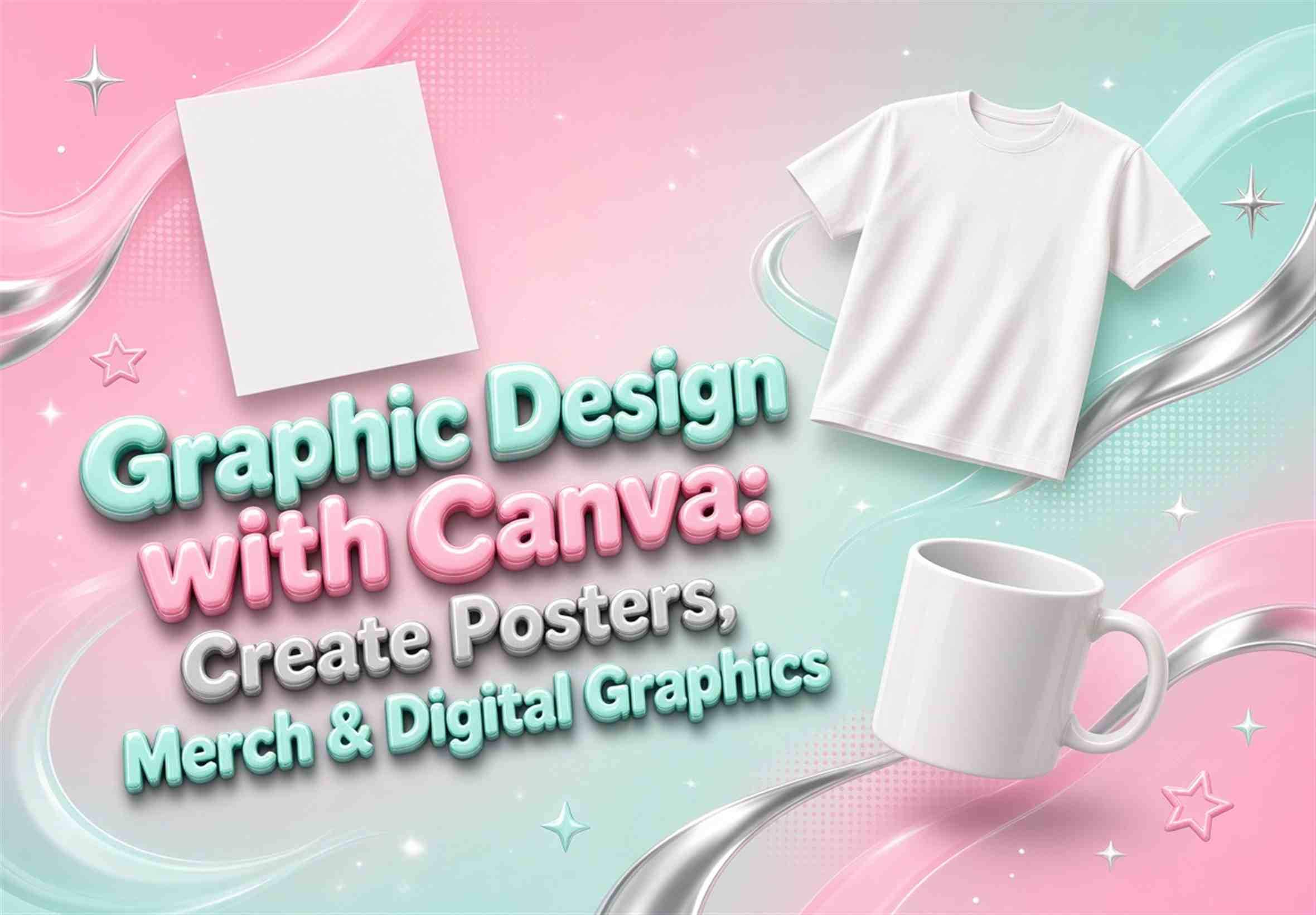
Graphic Design with Canva: Create Posters, Merch & Digital Graphics
TG

T. G.

Graphic Design with Canva: Create Posters, Merch & Digital Graphics

Mixed Level

Level

14–18

Ages

30 min

Duration

1 / Week

Classes

10

Weeks

$24.00per class
See schedule
Graphic Design with Canva: Projects, GIFs, and Stop-Motion
MB

Madhav B.

Graphic Design with Canva: Projects, GIFs, and Stop-Motion

Mixed Level

Level

10–15

Ages

45 min

Duration

1 / Week

Classes

8

Weeks
$19.00per class
See schedule
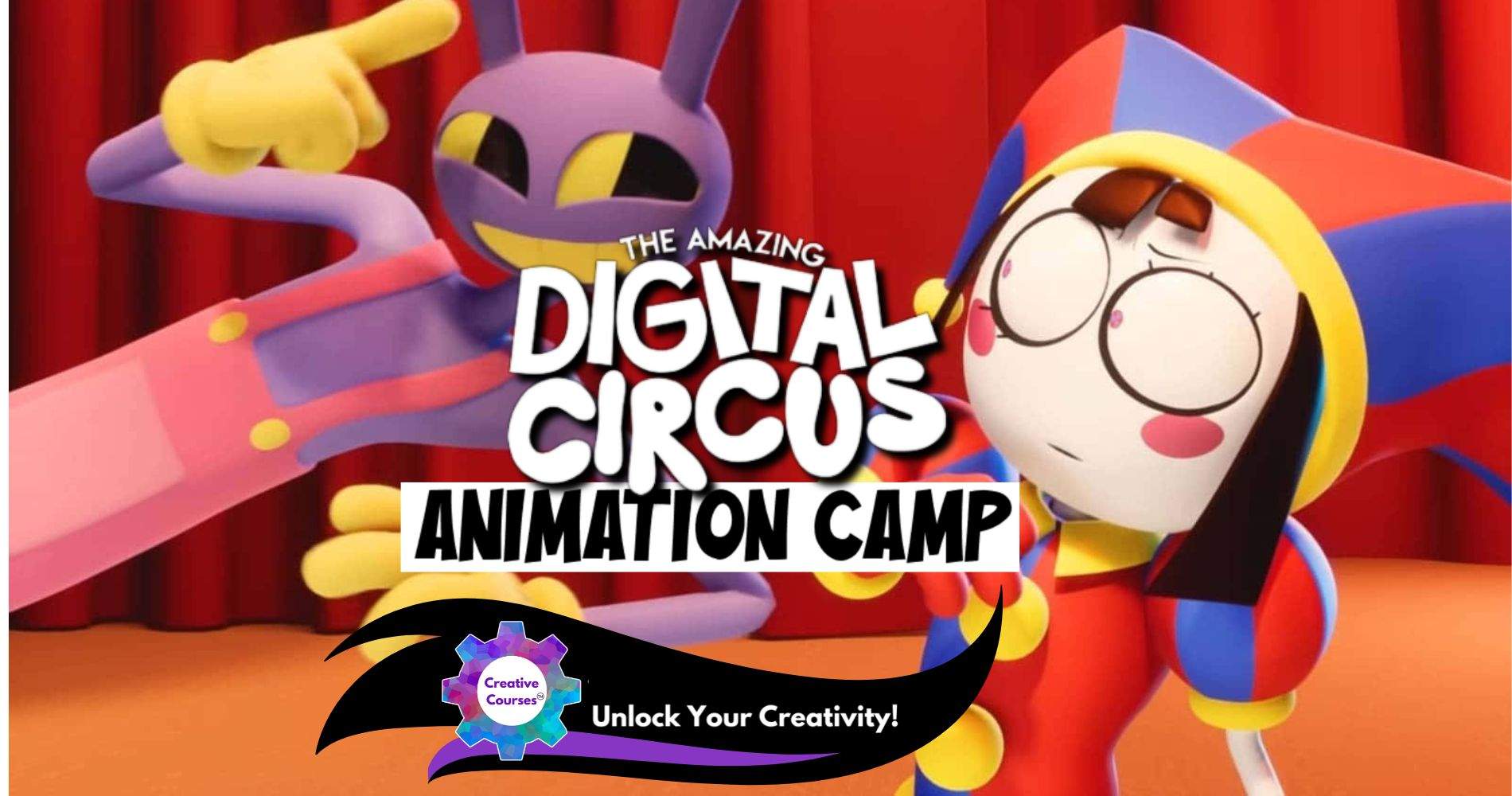
Create and Animate an Original Character Inspired by The Amazing Digital Circus
MT

Mrs. T.

Create and Animate an Original Character Inspired by The Amazing Digital Circus

Beginner

Level

10–15

Ages

50 min

Duration

1 / Week

Classes

7

Weeks

$16.00per class
See schedule
Blender Character & Creature Modeling (Intermediate)
MT

Mrs. T.

Blender Character & Creature Modeling (Intermediate)

Intermediate

Level

12–17

Ages

60 min

Duration

5 / Week

Classes

1

Weeks
$19.00per class
See schedule
The Art and History of Disney Animation
PP

Prisha P.

The Art and History of Disney Animation

Beginner

Level

11–16

Ages

50 min

Duration

1 / Week

Classes

10

Weeks
$15.00per class
See schedule
Film Study & YouTube Movie-Making: Cinematography and Effects
GR

Gautam R.

Film Study & YouTube Movie-Making: Cinematography and Effects

Beginner

Level

9–14

Ages

50 min

Duration

1 / Week

Classes

3

Weeks
$19.00per class
See schedule
Advanced Video Editing: DaVinci Resolve Fusion Techniques
MM

Mr. M.

Advanced Video Editing: DaVinci Resolve Fusion Techniques

Advanced

Level

12–16

Ages

55 min

Duration

1 / Week

Classes

6

Weeks
$19.00per class
See schedule
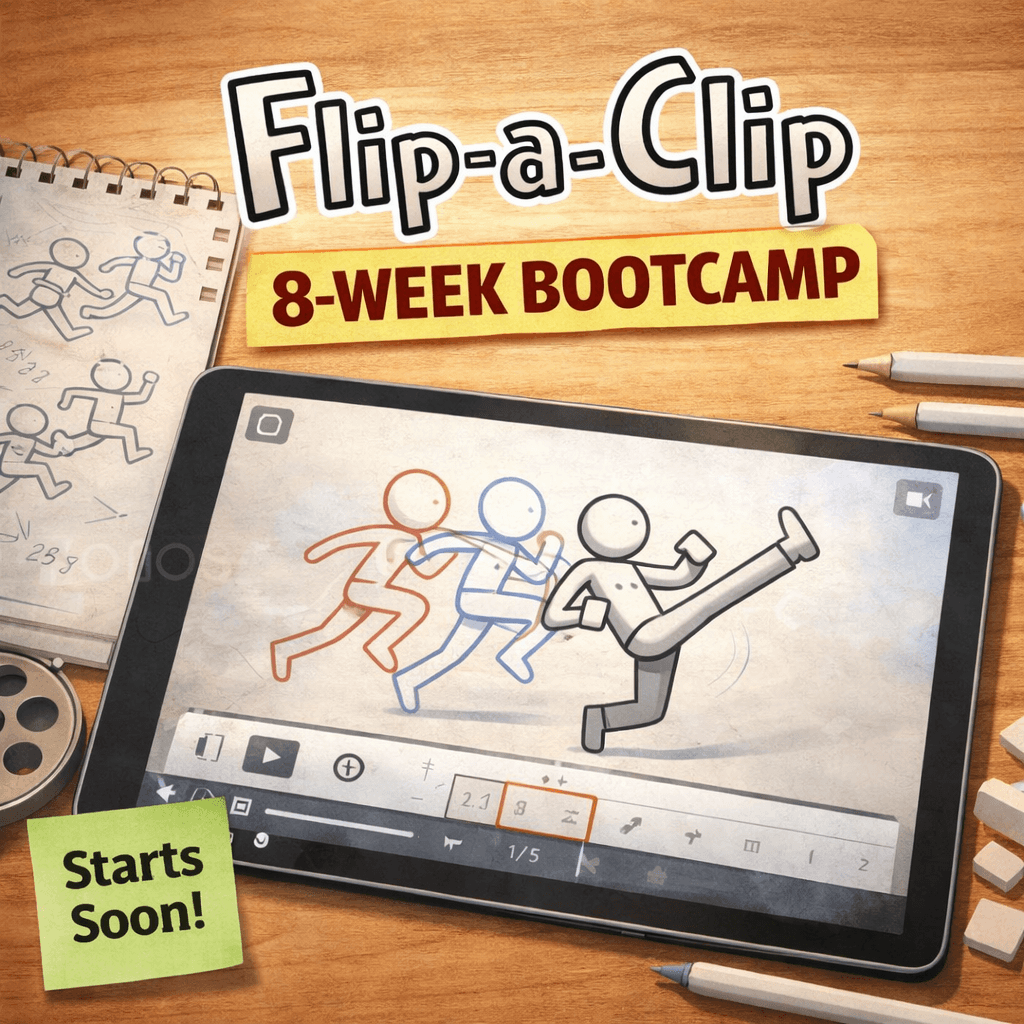
Flip-A-Clip Animation Bootcamp: Frame-by-Frame Fundamentals
GJ

Gaurav J.

Flip-A-Clip Animation Bootcamp: Frame-by-Frame Fundamentals

Beginner

Level

10–15

Ages

55 min

Duration

1 / Week

Classes

8

Weeks

$22.00per class
See schedule