
Tools & Interface

Introduce core tools such as brushes, eraser, paint bucket and how to navigate the interface.
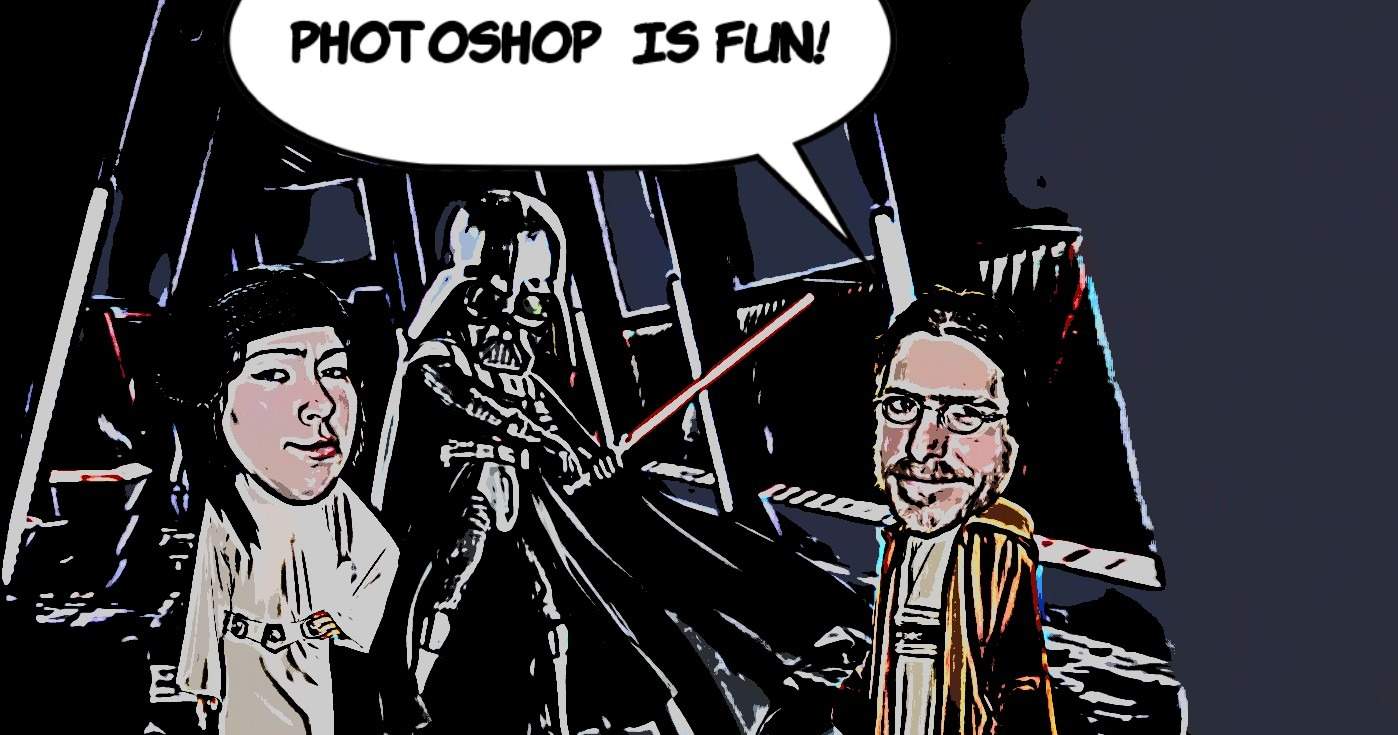
Live introduction to Photoshop or Photopea covering tools, layers, basic retouching, effects, collages and cut-out animations.
This beginner-friendly course introduces students to the Photoshop (or Photopea) interface and core tools through guided projects: layers exercises, photo retouching, special-effects collages, and animated cut-out scenes. Lessons use live demonstrations and step-by-step instruction to build confidence with selections, filters and basic animation techniques.

Navigate the Photoshop (or Photopea) interface and core tools
Work with layers to build multi-part images
Perform basic photo retouching and color adjustments
Use selection tools, filters and effects to create collages and fun scenes
Create a simple cut-out animation using layered photo pieces
Materials Needed:
✔️ Computer (Windows Preferred, but Macintosh would also work. Photoshop doesn't work on Chromebook.)
✔️ Photoshop (Any Photoshop CC version... or even the older CS versions will work fine.)
💡 If you have a good internet connection you can use the free Photopea software, which is a clone of Photoshop.
It looks just like Photoshop and has most of the tools, including newer features like "Puppet Warp" and healing brush tools.
It also works great on the Chromebook. You can find it here: https://www.photopea.com/
A step-by-step plan of what your child learns, class by class. · 8 Weeks
Introduce core tools such as brushes, eraser, paint bucket and how to navigate the interface.
Practice using layers by building a multi-layer image to visualize how layers interact.
Use quick selection and magic wand tools to isolate image parts and prepare for edits.
Apply clone, healing and color adjustment tools to restore or enhance photographs.
Combine filters, color adjustments and layering to create a special-effects collage.
Animate cut-out photo pieces, use puppet warp and liquify tools to create a short animated sequence.
Next 7 days, US Eastern Time
New class, no reviews yet
Be one of the first families to join. Parents can leave a review after their first class.
Not satisfied after the first class? Full refund.
Varsha D.
Beginner
Level
8–13
Ages
30 min
Duration
1 / Week
Classes
4
Weeks
Meera M.
Mixed Level
Level
10–13
Ages
50 min
Duration
1 / Week
Classes
6
Weeks

Meera M.
Mixed Level
Level
13–18
Ages
55 min
Duration
2 / Week
Classes
1
Weeks
Kabir G.
Beginner
Level
8–12
Ages
50 min
Duration
5 / Week
Classes
1
Weeks

Rashmi D.
Mixed Level
Level
12–17
Ages
50 min
Duration
1 / Week
Classes
12
Weeks

Kabir G.
Mixed Level
Level
9–12
Ages
50 min
Duration
1 / Week
Classes
10
Weeks
Neha S.
Beginner
Level
11–15
Ages
55 min
Duration
1 / Week
Classes
9
Weeks
Nidhi B.
Beginner
Level
8–18
Ages
55 min
Duration
1 / Week
Classes
8
Weeks