Canva Beginner Graphic Design

Canva Beginner Graphic Design

Canva Beginner Graphic Design

Hands-on beginner design in Canva to create posters, presentations, social graphics, planners, and study tools through weekly projects.

Class Experience

Beginner-focused, project-based lessons that teach Canva tools and basic design principles through step-by-step guided projects. Each class introduces a design skill, students build a finished project, and receive guidance and feedback to apply layouts, typography, images, and interactive elements.

Learning Outcomes

  • Bullet point

    Create posters, presentations, and social graphics using Canva tools

  • Bullet point

    Apply basic layout, typography, image selection, and spacing principles

  • Bullet point

    Build interactive slides using video, animations, and GIFs

  • Bullet point

    Design planners and study tools for personal use

Prerequisites

Materials needed:

∙A device that can run Zoom and Canva at the same time

∙An optional second device for easier multitasking (one for Zoom, one for Canva)

∙A free Canva account created before class (www.canva.com)

∙Recommended: Use Canva in a web browser (such as Chrome) for the best experience

What You'll Need

Software
CANVAZOOM

Syllabus

8 Lessons

A step-by-step plan of what your child learns, class by class. · 8 Weeks

Posters & Backgrounds
Learn basic Canva tools and create eye-catching posters and digital background designs.
Social Media Graphics

Design social-style graphics while practicing positioning, grouping, and clean layout techniques.

Interactive Presentations

Build a presentation with visual elements, video, and simple animations to engage viewers.

Study Tools

Create flashcards and mind maps to support organization and learning.

Interactive Slides with GIFs

Add GIFs and visual elements to slides to boost interactivity and engagement.

YouTube Banner & Branding

Design a banner and simple branding elements adapted to different formats.

Available Times

Next 7 days, US Eastern Time

  • Tue, Nov 24 · 1:00 PM
  • Wed, Nov 25 · 11:00 AM
  • Thu, Nov 26 · 11:00 AM
  • Thu, Nov 26 · 5:00 PM
  • Fri, Nov 27 · 5:00 PM
  • Sat, Nov 28 · 3:00 PM
  • Sun, Nov 29 · 3:00 PM

Meet your Instructor

Joined July, 2026

5+

Years

150+

Students

With a background in certified secondary English instruction and multiple ESL certifications, this educator focuses on clear, engaging grammar teaching and creative visual projects. Lessons combine parts-of-speech practice and writing exercises with hands-on Canva activities to build practical skills. Instruction is interactive and visually rich to hold attention and reinforce understanding, while lessons are personalized to each learner's level. This educator creates a fun, confidence-building environment that strengthens writing mechanics and introduces basic graphic-design tools in age-appropriate ways.

Reviews

New class, no reviews yet

Be one of the first families to join. Parents can leave a review after their first class.

Not satisfied after the first class? Full refund.
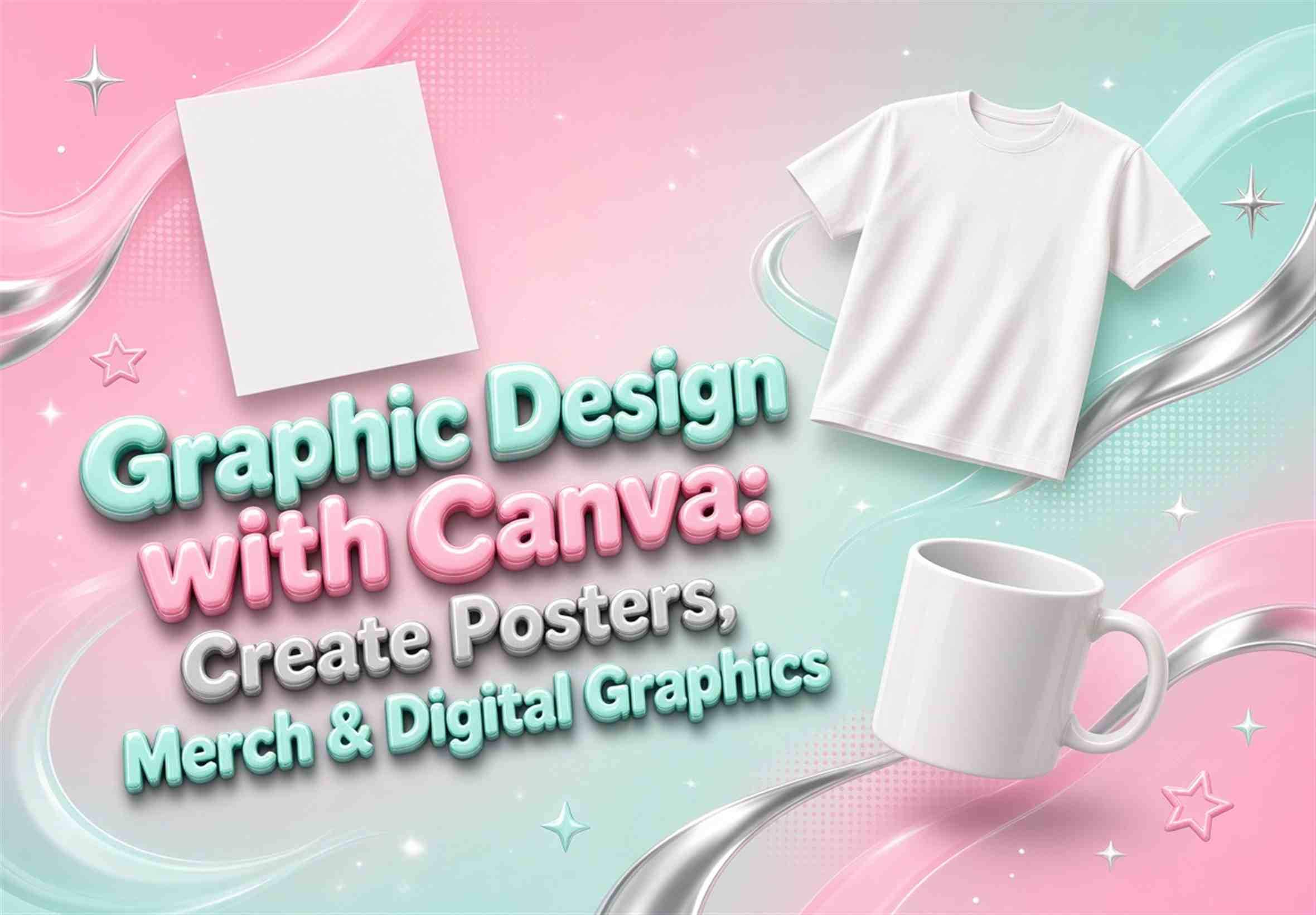
Graphic Design with Canva: Create Posters, Merch & Digital Graphics
TG

T. G.

Graphic Design with Canva: Create Posters, Merch & Digital Graphics

Mixed Level

Level

14–18

Ages

30 min

Duration

1 / Week

Classes

10

Weeks

$24.00per class
See schedule
YouTube Creator Camp: Channel Planning, Recording & Thumbnails
PS

P. S.

YouTube Creator Camp: Channel Planning, Recording & Thumbnails

Beginner

Level

7–12

Ages

30 min

Duration

2 / Week

Classes

2

Weeks
$17.75per class
See schedule
Adobe Illustrator Basics: Vector Drawing and Design
RF

Rinhlupuii F.

Adobe Illustrator Basics: Vector Drawing and Design

Beginner

Level

11–16

Ages

55 min

Duration

1 / Week

Classes

12

Weeks

$20.50per class
See schedule
Plan, Create & Print a 20-Page Book: Writing and Illustration
AS

Annapurna S.

Plan, Create & Print a 20-Page Book: Writing and Illustration

Beginner

Level

7–12

Ages

50 min

Duration

1 / Week

Classes

8

Weeks

$19.13per class
See schedule
Graphic Design with Canva: Projects, GIFs, and Stop-Motion
MB

Madhav B.

Graphic Design with Canva: Projects, GIFs, and Stop-Motion

Mixed Level

Level

10–15

Ages

45 min

Duration

1 / Week

Classes

8

Weeks

$19.00per class
See schedule
Graphic Design Basics with Canva: Posters, Printables & Products
SS

Shweta S.

Graphic Design Basics with Canva: Posters, Printables & Products

Beginner

Level

9–14

Ages

55 min

Duration

4 / Week

Classes

2

Weeks
$23.00per class
See schedule
Canva Design Club: Guided Graphic Design Challenges
Club
SN

Sanjana N.

Canva Design Club: Guided Graphic Design Challenges

Mixed Level

Level

9–14

Ages

50 min

Duration

1 / Week

Classes

Ongoing

Weeks

$21.00per class
See schedule
Canva Digital Design: Posters, Thumbnails & Presentations
MA

Mrs. A.

Canva Digital Design: Posters, Thumbnails & Presentations

Beginner

Level

8–12

Ages

55 min

Duration

4 / Week

Classes

2

Weeks
$25.00per class
See schedule