
Introduction to Roblox Animation Editor
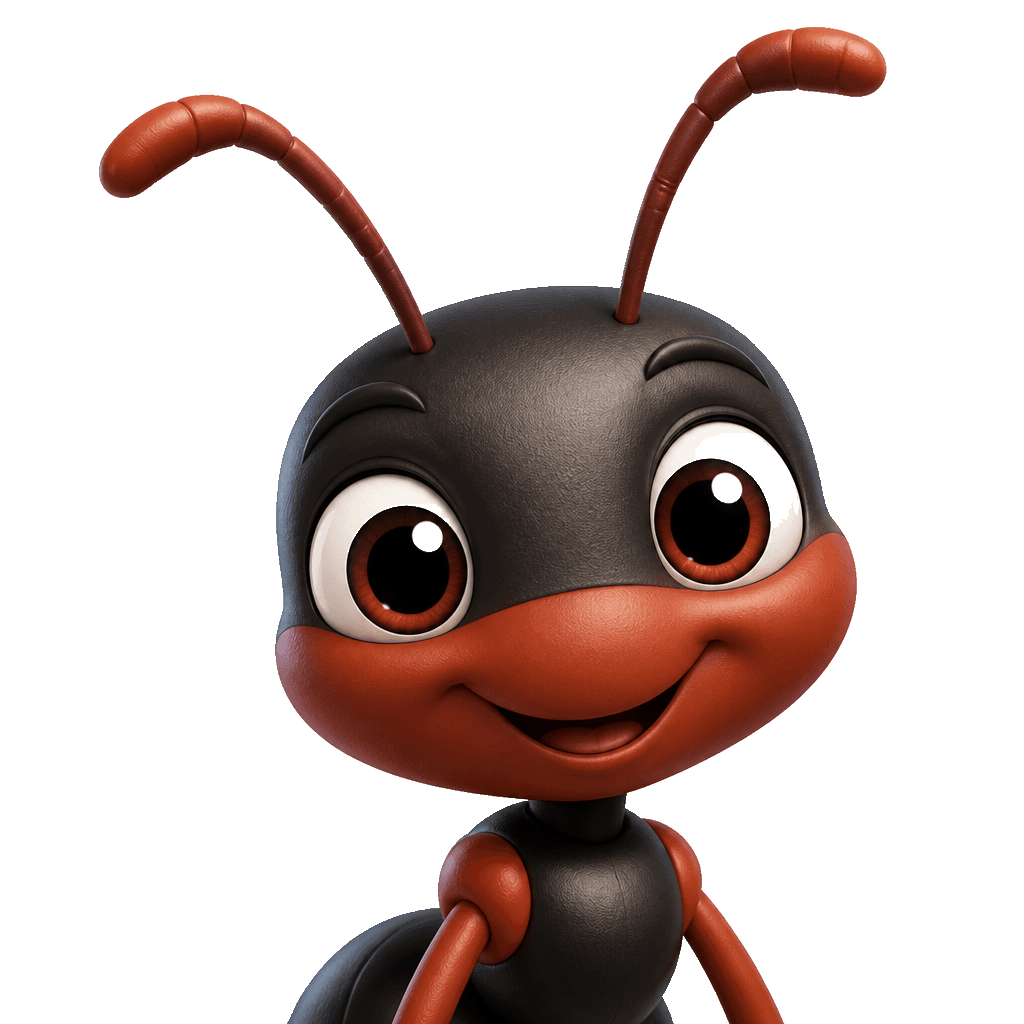
Ant
Ant works hard
Students explore Roblox Studio’s animation tools and learn how keyframes and timelines work.

Does your child enjoy Roblox and want to learn how animations and camera effects are made inside games?\n\nIn this hands-on summer camp, students will explore the basics of Roblox animation using Roblox Studio’s built-in animation tools. Learners will create custom character emotes, animate movements using keyframes, and connect their animations to buttons and gameplay interactions.
In this 2-week Roblox animation camp, students create custom emotes, animate characters with keyframes, and build camera effects using Roblox Studio. Learners combine animation, scripting, and creativity to create interactive Roblox scenes.
A step-by-step plan of what your child learns, class by class. · 2 Weeks
Ant
Ant works hard
Students explore Roblox Studio’s animation tools and learn how keyframes and timelines work.
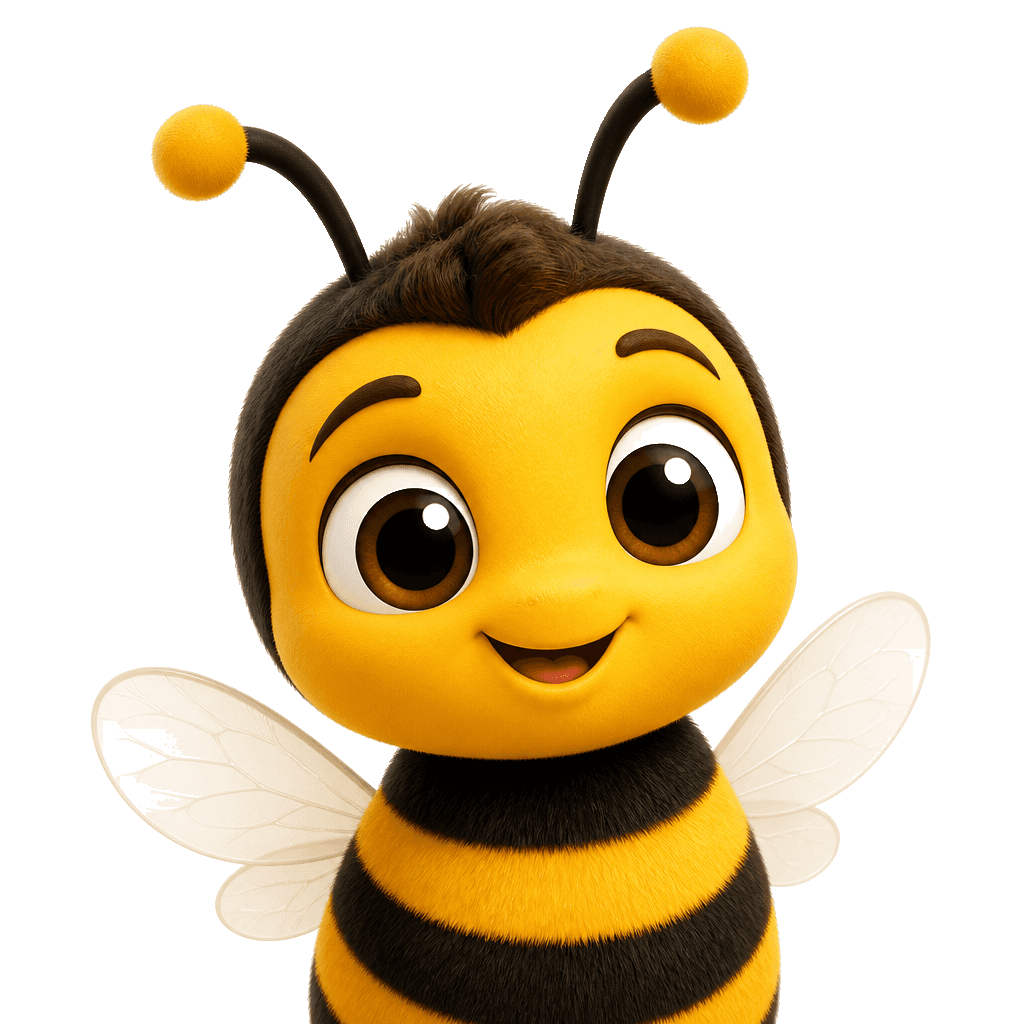
Honeybee
Honeybee works in a team
Students create a custom emote animation and upload it as a Roblox animation asset.
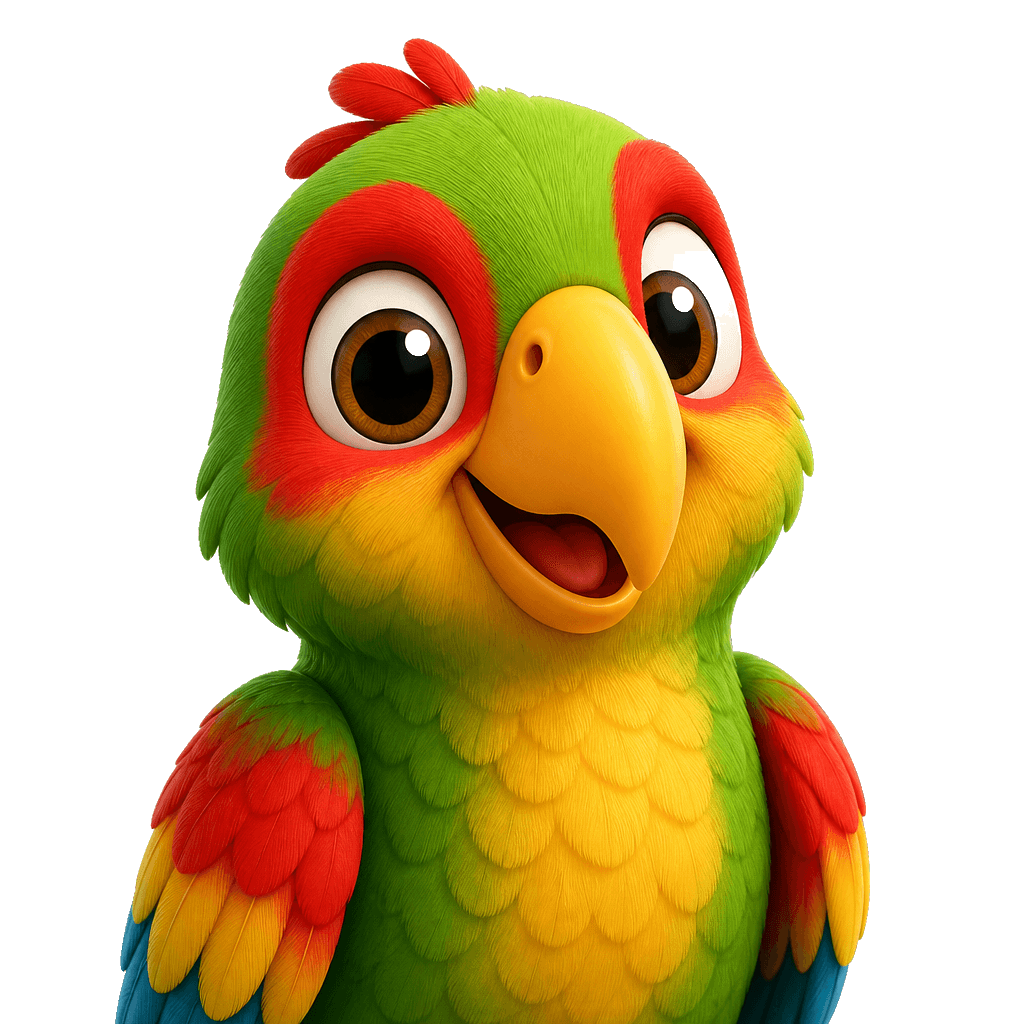
Parrot
Parrots are intelligent
Learners create a ScreenGUI and use a LocalScript to trigger animations through buttons.
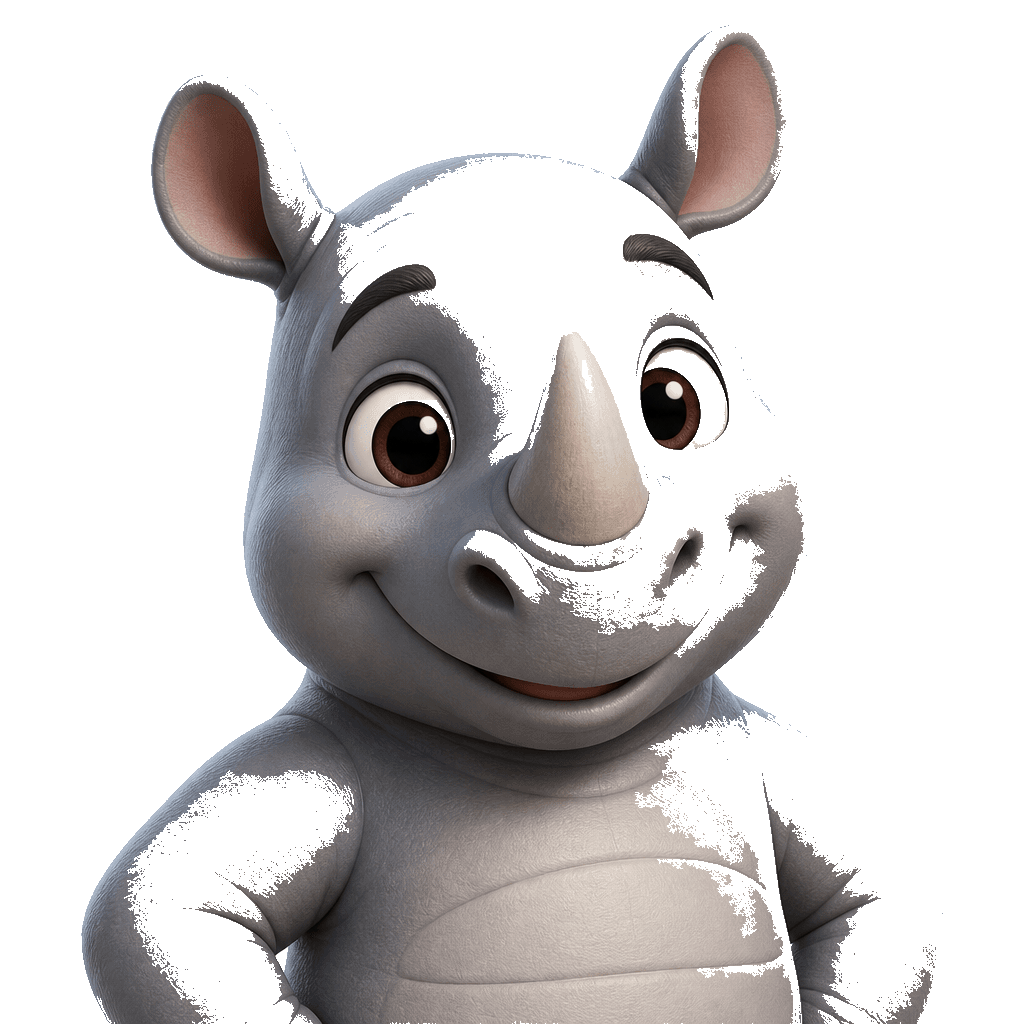
Rhino
Rhinos possess explosive power
Learners create scripted camera transitions between different viewpoints.
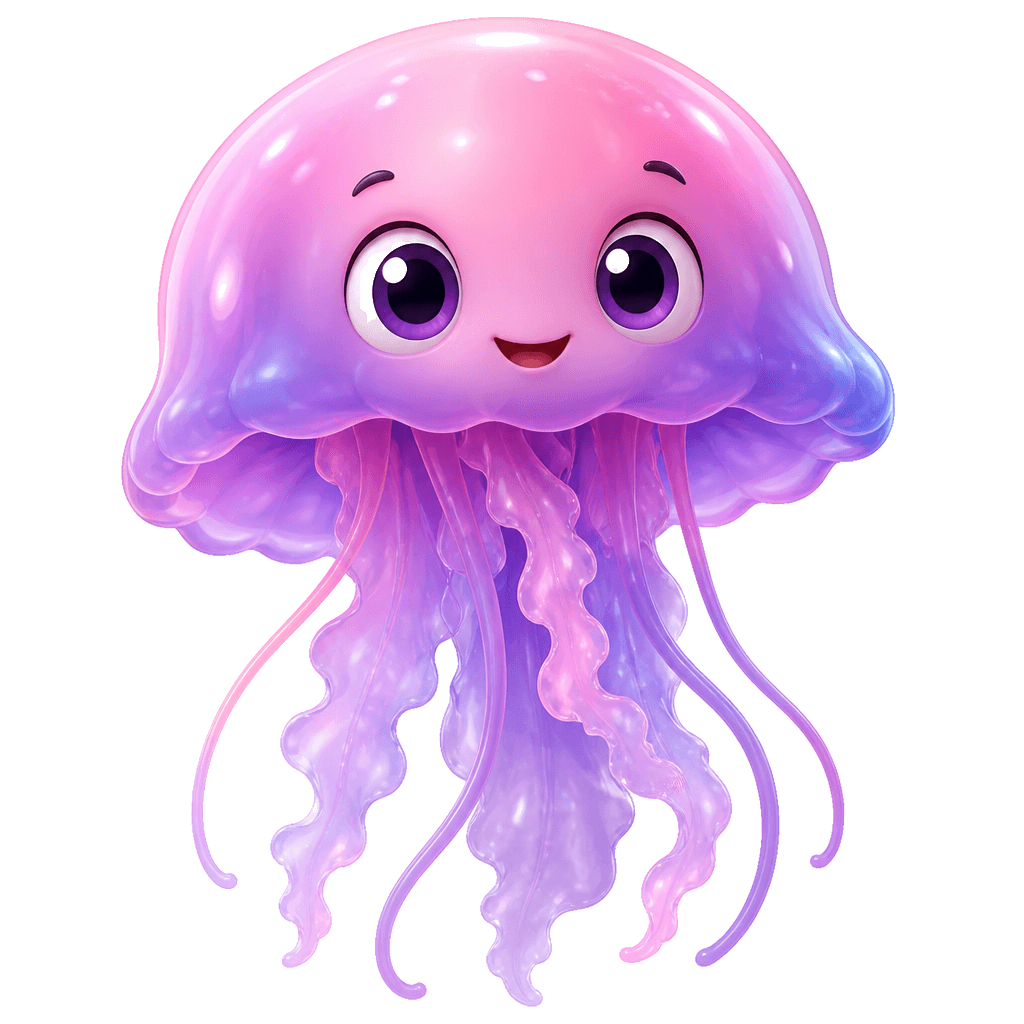
Jellyfish
Jellyfish are ready for challenges
Students refine movement timing, camera positioning, and overall scene presentation.
Unicorn
Unicorns are magical
Students present their animation and camera projects to the class.

Joined December, 2025
New class, no reviews yet
Be one of the first families to join. Parents can leave a review after their first class.
Not satisfied after the first class? Full refund.