
Intro to Roblox Studio

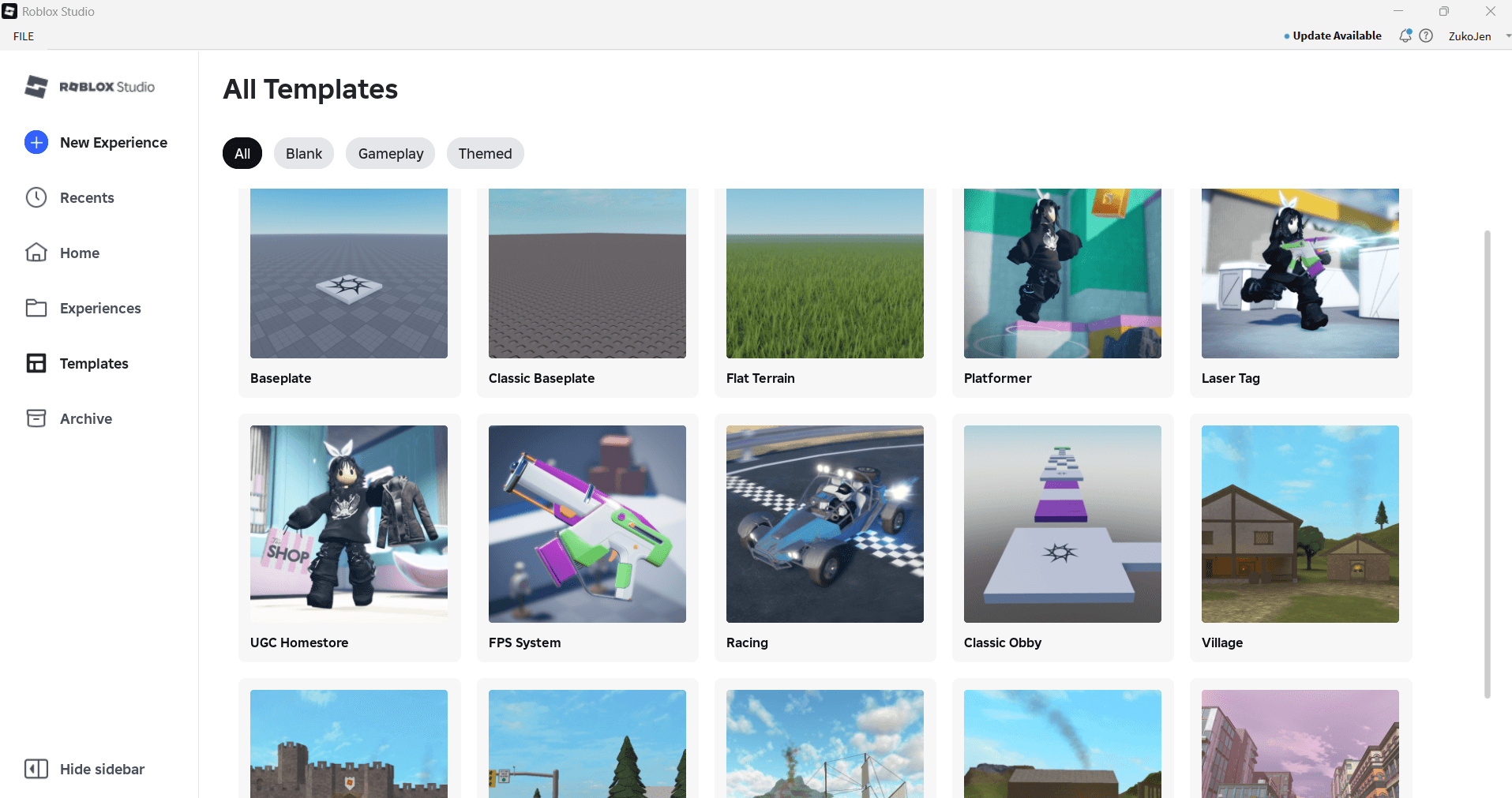
Explore Roblox Studio’s interface, camera controls and workspace while creating a starting area with spawn points.
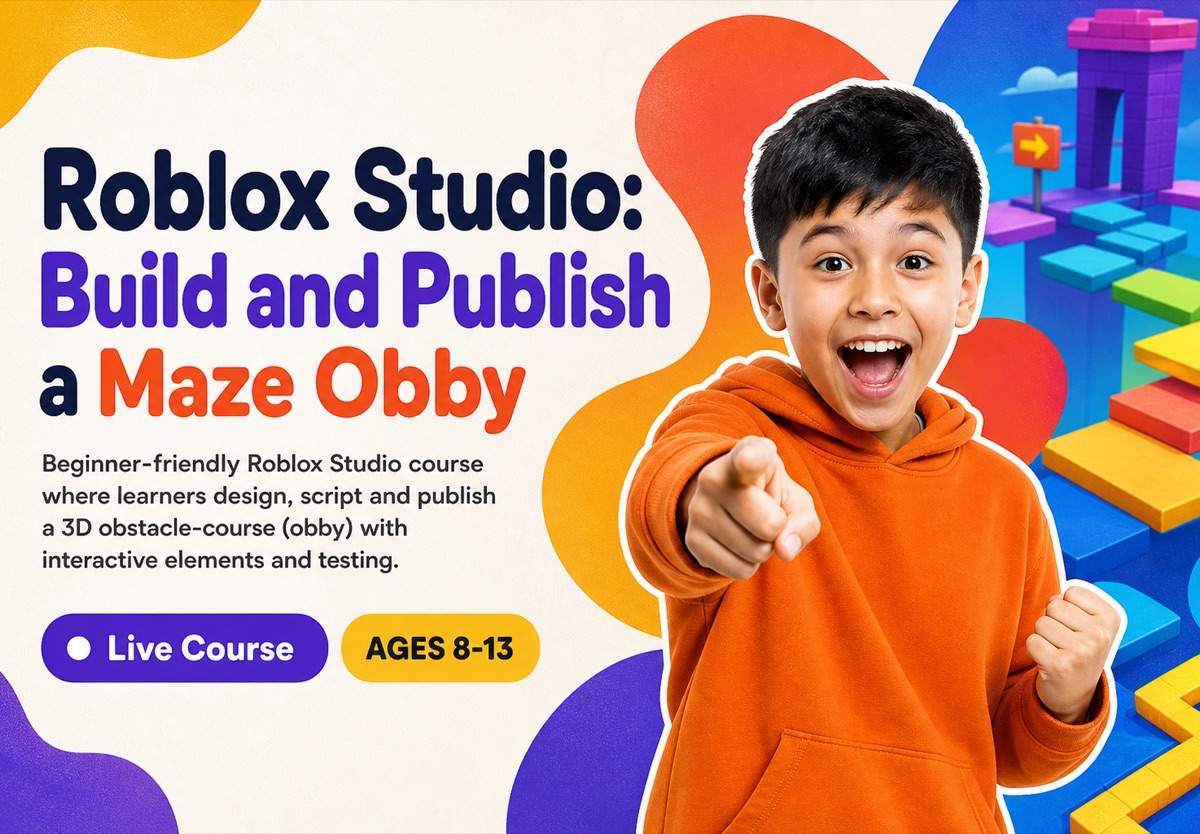
Beginner-friendly Roblox Studio course where learners design, script and publish a 3D obstacle-course (obby) with interactive elements and testing.
This beginner Roblox Studio course teaches students how to use the studio interface to design a 3D maze-style obstacle course, add interactive elements like traps, weapons and NPCs, and apply basic scripts for movement and interactivity. Lessons cover testing, teams and the publishing process so students can share their finished obby.

Design and build a 3D obstacle-course game in Roblox Studio.
Use Roblox Studio interface, camera controls and assets effectively.
Apply basic scripting and functions to add interactive elements.
Test, debug and publish a playable Roblox game.
Materials needed:
Device : PC /Laptop , Roblox Studio is only available on Windows and Mac and does not work on Tablets or Chrome books . Please ensure you have a mouse for this class and the devices are not just touch screen.
A step-by-step plan of what your child learns, class by class. · 5 Weeks
Explore Roblox Studio’s interface, camera controls and workspace while creating a starting area with spawn points.
Design maze layouts, build secure walls and customize lighting, textures and themes to shape player experience.
Add interactive elements such as weapons and TNT traps to increase challenge and gameplay variety.
Learn basic scripting concepts to animate NPCs and implement movement and combat logic in the maze.
Test and debug the obby, set up teams and win conditions, then publish and share the finished game.
Next 7 days, US Eastern Time
New class, no reviews yet
Be one of the first families to join. Parents can leave a review after their first class.
Not satisfied after the first class? Full refund.
Farida B.
Intermediate
Level
13–18
Ages
45 min
Duration
4 / Week
Classes
2
Weeks
Farida B.
Beginner
Level
12–17
Ages
40 min
Duration
1 / Week
Classes
14
Weeks
Farida B.
Intermediate
Level
12–17
Ages
40 min
Duration
1 / Week
Classes
4
Weeks
Krishna K.
Advanced
Level
8–13
Ages
55 min
Duration
1 / Week
Classes
6
Weeks
Barkha M.
Beginner
Level
10–15
Ages
60 min
Duration
5 / Week
Classes
2
Weeks
Mrs. A.
Beginner
Level
9–14
Ages
55 min
Duration
1 / Week
Classes
24
Weeks
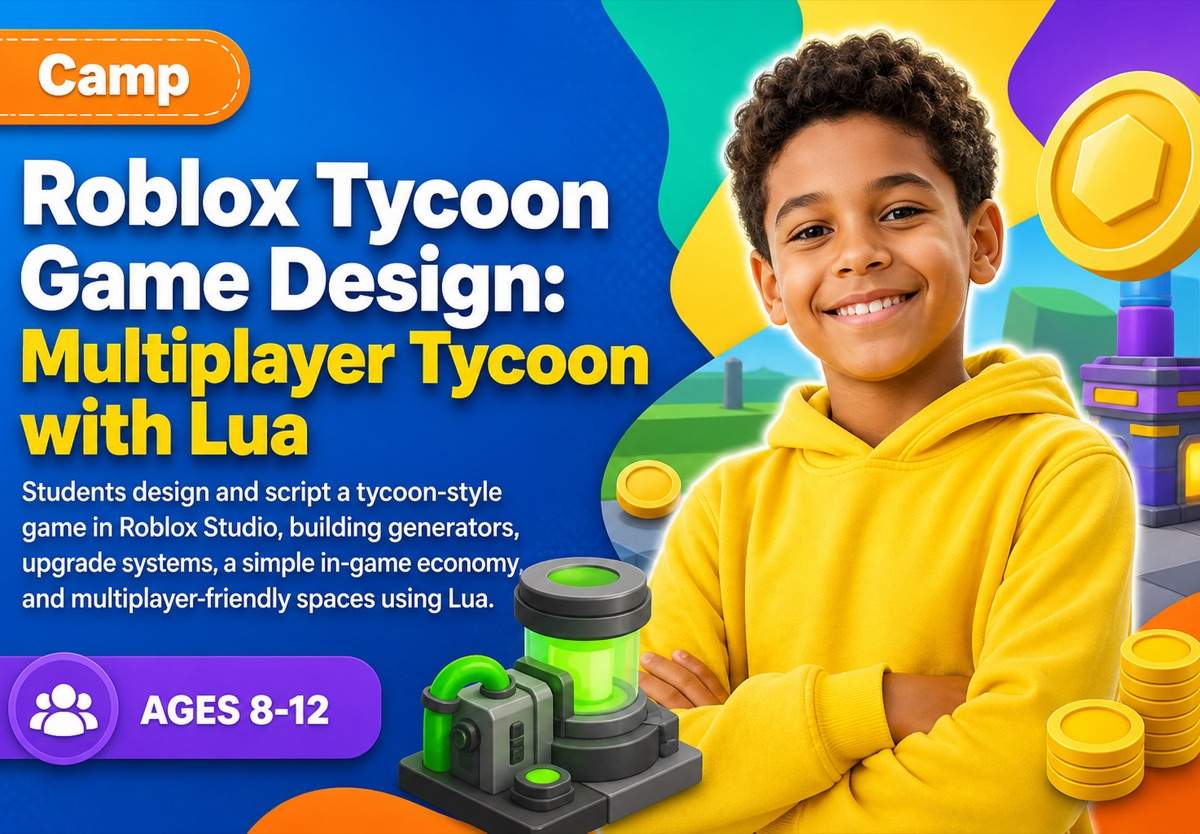
Mr. V.
Mixed Level
Level
8–12
Ages
45 min
Duration
5 / Week
Classes
1
Weeks
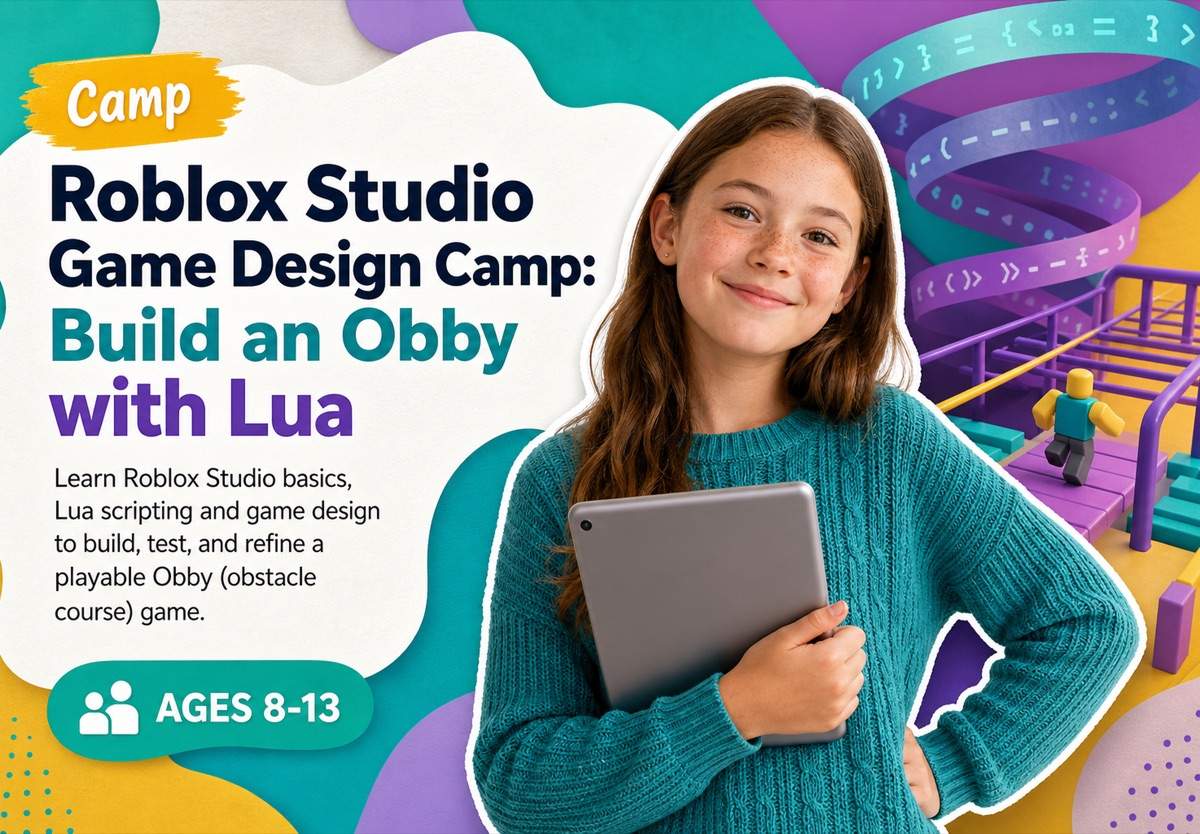
Mrs. A.
Beginner
Level
8–13
Ages
55 min
Duration
4 / Week
Classes
1
Weeks