



Roblox Studio: Build and Publish an Obby (Beginner)

Roblox Studio: Build and Publish an Obby (Beginner)

Roblox Studio: Build and Publish an Obby (Beginner)

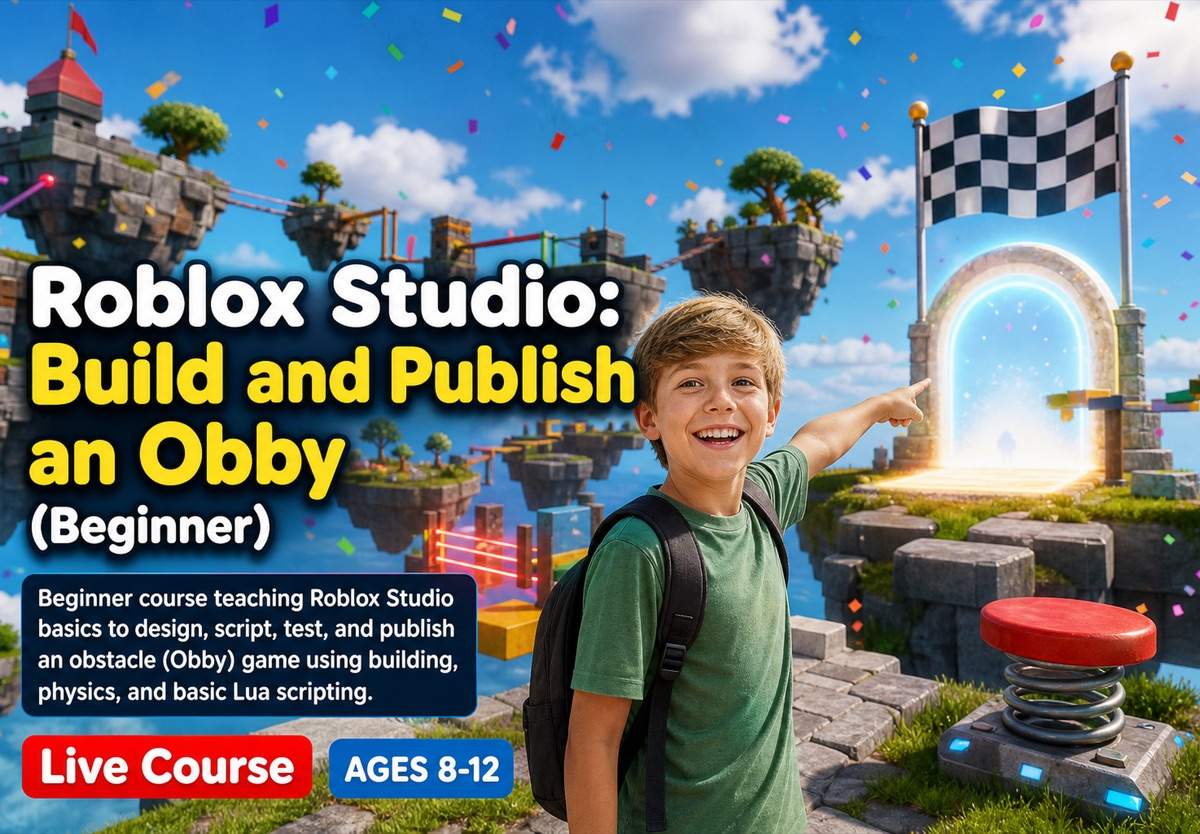
Beginner course teaching Roblox Studio basics to design, script, test, and publish an obstacle (Obby) game using building, physics, and basic Lua scripting.

Class Experience

Over eight lessons, students learn Roblox Studio's interface, controls, object properties, and physics to create an obstacle course. Instruction covers camera and shortcuts, building obstacles like bridges and lava blocks, basic Lua scripting for events, adding checkpoints, debugging, and publishing the final game.

Learning Outcomes

  • Bullet point

    Design and build a complete obstacle course (Obby)

  • Bullet point

    Use Roblox Studio tools, interface, and object properties

  • Bullet point

    Write basic Lua scripts using functions and events

  • Bullet point

    Test, debug, and publish a Roblox game

Prerequisites

Materials needed:

Device : PC /Laptop , Roblox Studio is only available on Windows and Mac and does not work on Tablets or Chrome books . Please ensure you have a mouse for this class and the devices are not just touch screen.

What You'll Need

Supplies
Mouse
Software
ROBLOX_STUDIO
Device and internet
Windows Computer / Mac Computer

Syllabus

8 Lessons

A step-by-step plan of what your child learns, class by class. · 8 Weeks

Intro to Roblox Studio

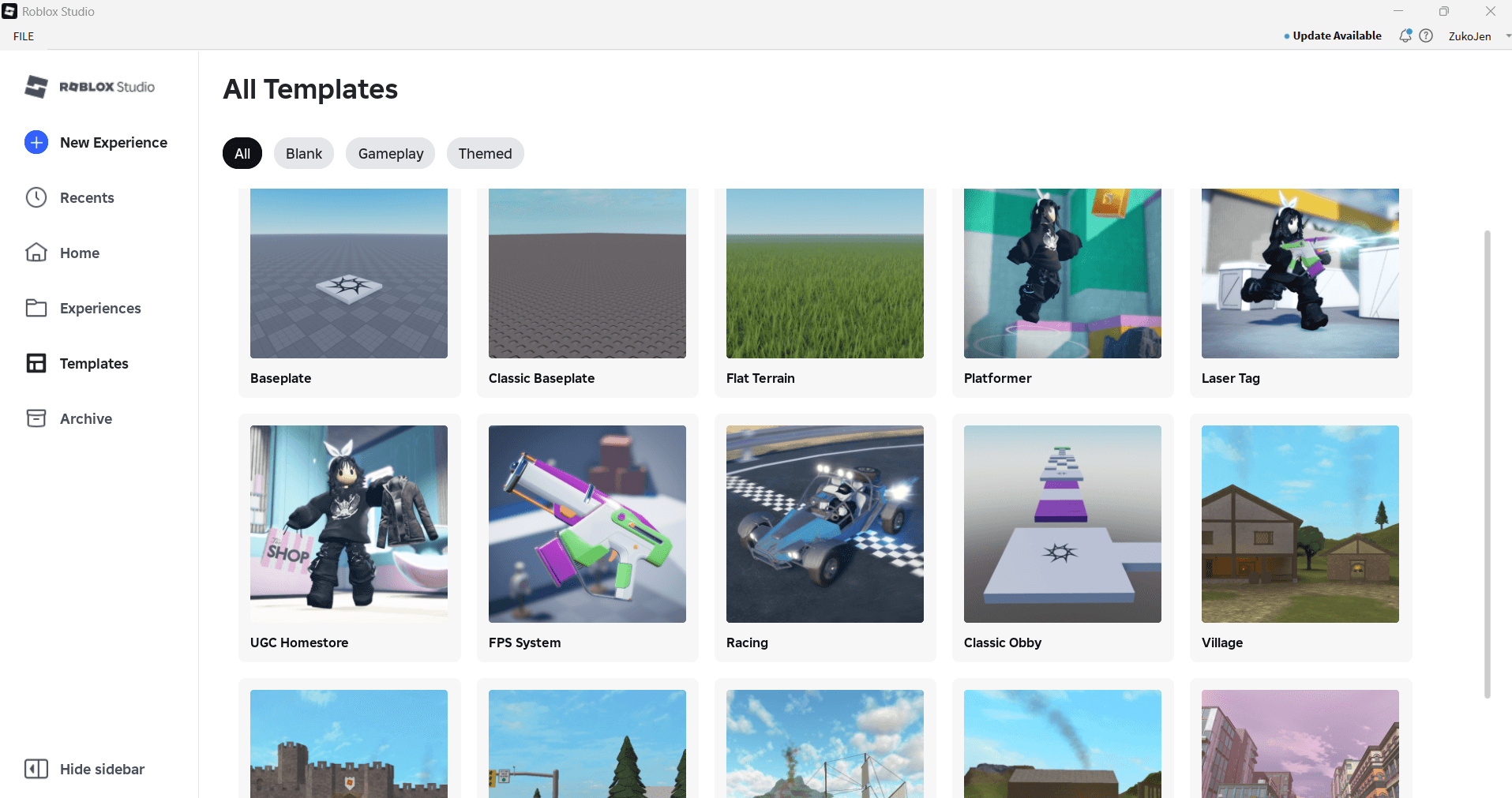
Download Roblox Studio, explore the interface, and learn about game genres and workspace panels.
Controls and Properties

Practice camera controls, shortcuts, and use the Properties panel to customize parts.

Building Obstacles

Create jumps, platforms, and bridges while learning about physics and safe level design.

Checkpoints & Level Testing

Add checkpoint systems and test level flow to ensure fair and smooth gameplay.

Debugging Techniques

Find and fix common bugs, refine scripts, and improve game performance.

Publishing & Playtesting

Polish the game, publish to Roblox, and run a final playtest with classmates.

Available Times

Next 7 days, US Eastern Time

  • Tue, Nov 24 · 4:00 PM
  • Wed, Nov 25 · 5:00 PM
  • Fri, Nov 27 · 1:00 PM
  • Fri, Nov 27 · 5:00 PM
  • Sat, Nov 28 · 10:00 AM
  • Sun, Nov 29 · 10:00 AM
  • Sun, Nov 29 · 3:00 PM

Meet your Instructor

Joined July, 2026

5+

Years

3,800+

Students

An experienced STEM and technology educator with a background in IT and creative tech instruction, this educator specializes in teaching coding, game-based learning, and 3D design. Courses emphasize playful, project-driven learning that connects STEM concepts to real-world applications. Positive family feedback and extensive experience designing beginner-to-intermediate pathways support clear progression from fundamentals to creative projects. Lessons combine guided instruction, hands-on creation, and iterative problem solving to inspire confidence and logical thinking in young learners.

Student Projects Gallery

Reviews

New class, no reviews yet

Be one of the first families to join. Parents can leave a review after their first class.

Not satisfied after the first class? Full refund.
Intermediate Roblox Scripting: Object-Oriented Programming
FB

Farida B.

Intermediate Roblox Scripting: Object-Oriented Programming

Intermediate

Level

13–18

Ages

45 min

Duration

4 / Week

Classes

2

Weeks
$20.00per class
See schedule
Roblox Scripting Fundamentals: Variables, Functions, Loops, Tables
FB

Farida B.

Roblox Scripting Fundamentals: Variables, Functions, Loops, Tables

Beginner

Level

12–17

Ages

40 min

Duration

1 / Week

Classes

14

Weeks
$16.79per class
See schedule
Intermediate Roblox Luau Scripting (Roblox Studio)
FB

Farida B.

Intermediate Roblox Luau Scripting (Roblox Studio)

Intermediate

Level

12–17

Ages

40 min

Duration

1 / Week

Classes

4

Weeks
$24.75per class
See schedule
Roblox Game Design: Advanced Terrain & Environments
KK

Krishna K.

Roblox Game Design: Advanced Terrain & Environments

Advanced

Level

8–13

Ages

55 min

Duration

1 / Week

Classes

6

Weeks
$21.00per class
See schedule
Roblox Game Design with Lua
BM

Barkha M.

Roblox Game Design with Lua

Beginner

Level

10–15

Ages

60 min

Duration

5 / Week

Classes

2

Weeks
$23.00per class
See schedule
Roblox Studio with Lua: Game Design & Publishing
MA

Mrs. A.

Roblox Studio with Lua: Game Design & Publishing

Beginner

Level

9–14

Ages

55 min

Duration

1 / Week

Classes

24

Weeks
$21.00per class
See schedule
Roblox Tycoon Game Design: Multiplayer Tycoon with Lua
MV

Mr. V.

Roblox Tycoon Game Design: Multiplayer Tycoon with Lua

Mixed Level

Level

8–12

Ages

45 min

Duration

5 / Week

Classes

1

Weeks
$21.00per class
See schedule
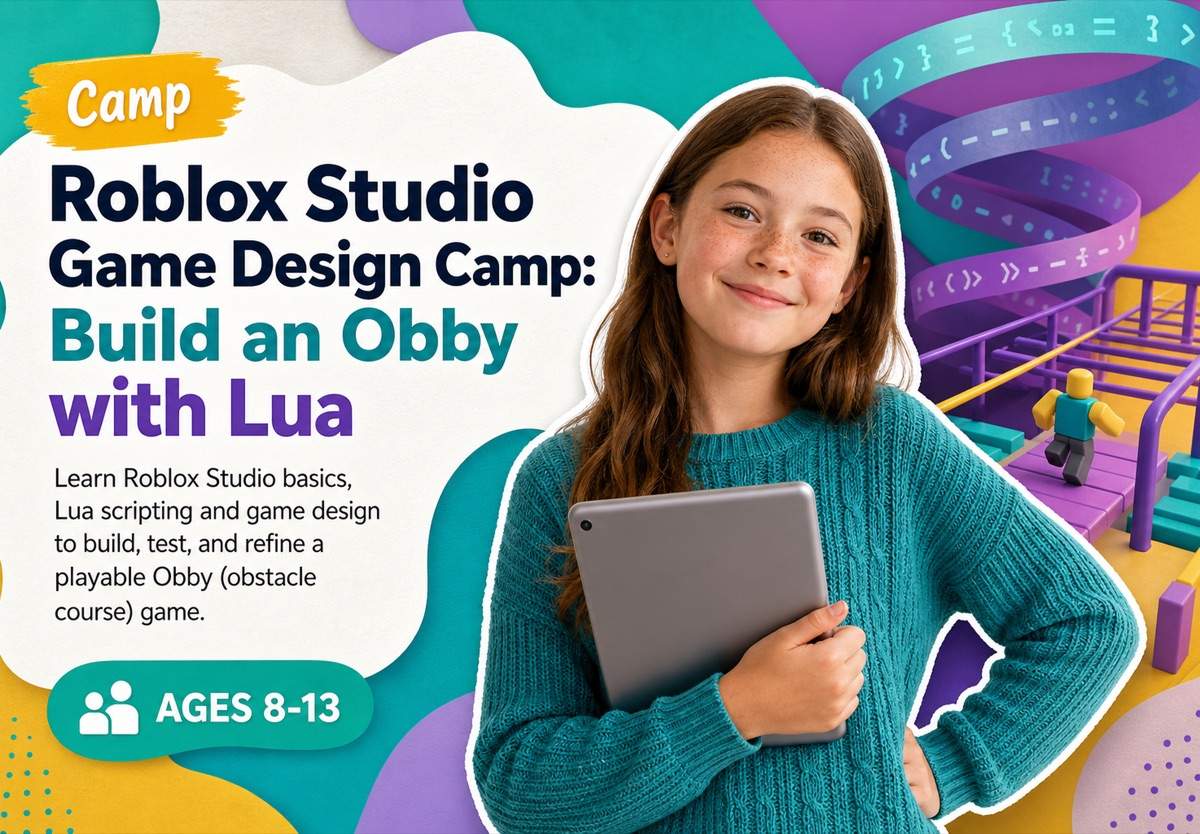
Roblox Studio Game Design Camp: Build an Obby with Lua
MA

Mrs. A.

Roblox Studio Game Design Camp: Build an Obby with Lua

Beginner

Level

8–13

Ages

55 min

Duration

4 / Week

Classes

1

Weeks

$17.00per class
See schedule