

Video Sensing & Extensions

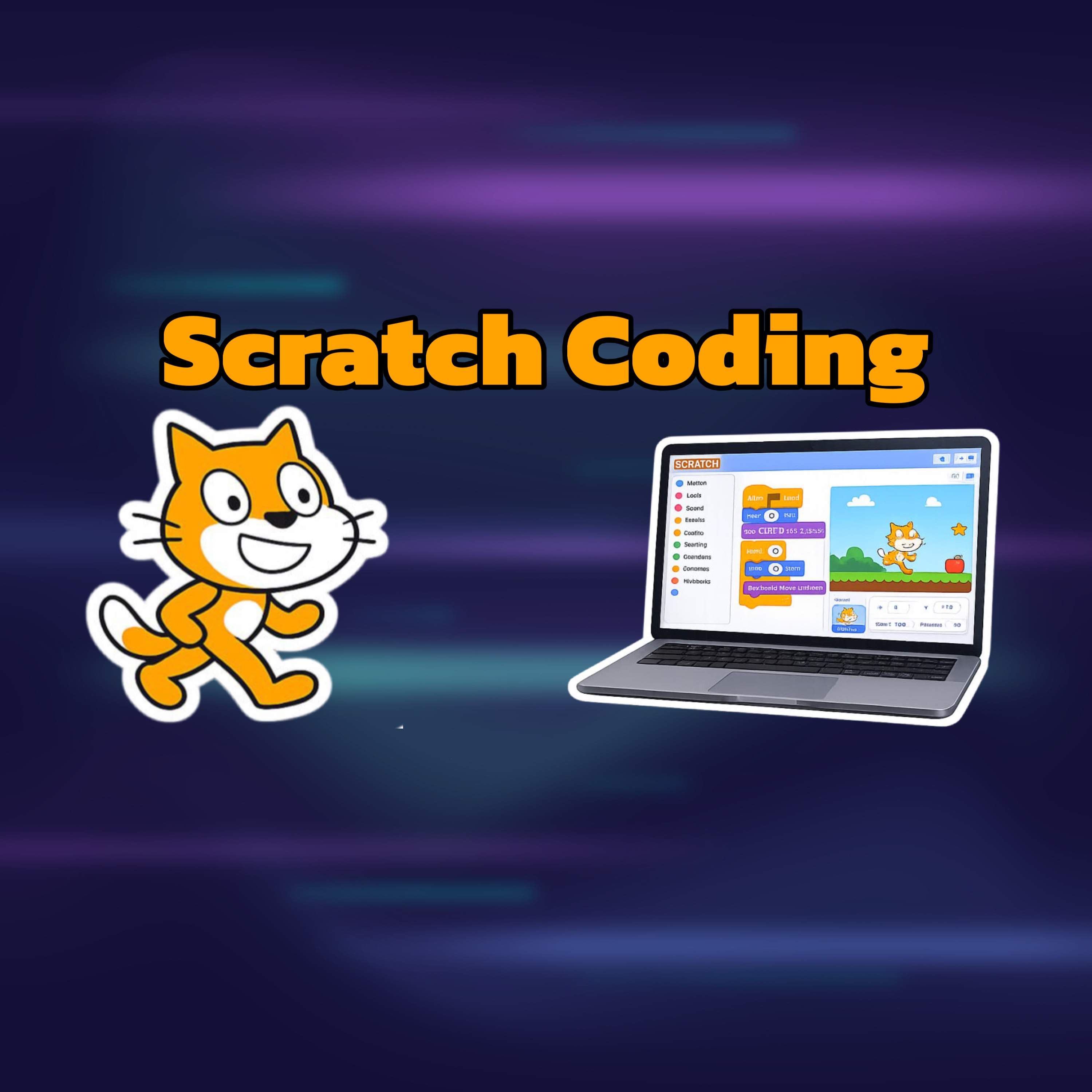
Explore Scratch’s video sensing extension and code sprites to react to camera-captured motion and other extensions.

Students expand block-coding skills in Scratch 3.0 by building interactive projects using video sensing, variables, loops, lists, and AI-style chatbots.
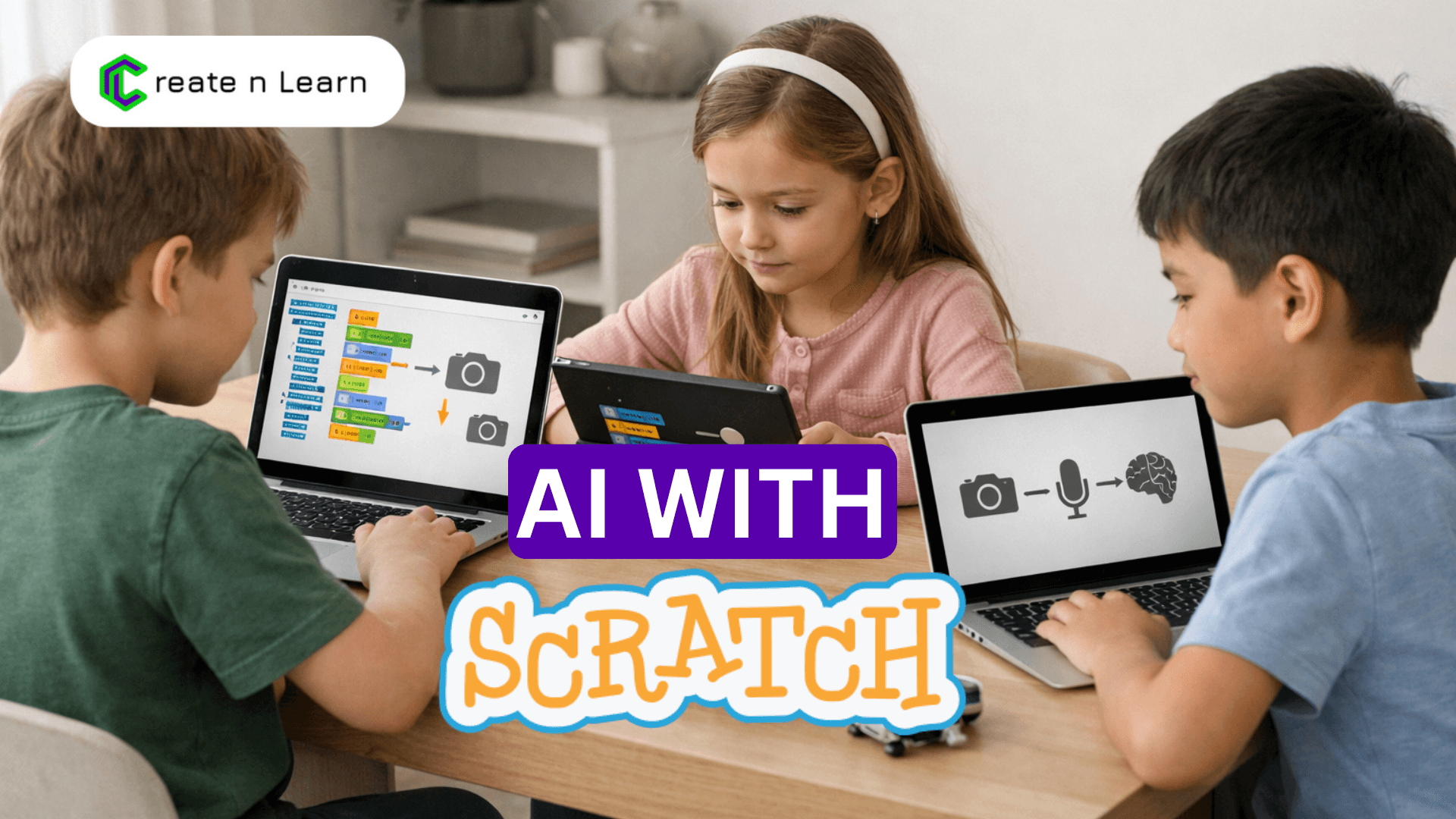
This project-based intermediate Scratch course focuses on advanced Scratch features and computational thinking. Students use Scratch 3.0 extensions and logic (video sensing, translation, variables, lists, loops, and operators) to build games, chatbots, a calculator, and other interactive projects while receiving step-by-step instruction and live feedback.

Create interactive Scratch projects using extensions, loops, variables and lists
Apply logic and operators to build game mechanics and UI elements
Use video sensing and translation features to add interactivity
Build and test multi-sprite projects such as a calculator and chatbots
Materials needed:
Computer with good internet speed and online scratch editor at https://scratch.mit.edu/. Please ensure that it functions on your laptop before the class. Chromebooks might need special permissions. You would need a laptop for coding as tablets would not support the games we create.
A step-by-step plan of what your child learns, class by class. · 10 Weeks
Explore Scratch’s video sensing extension and code sprites to react to camera-captured motion and other extensions.
Use Scratch translation features and sprite interactions to build multilingual and responsive projects.
Apply timing, motion, scoring, and win/lose conditions to refine games like Pong and action projects.
Use variables, lists and operators to track scores, timers, and game state across projects.
Combine learned tools to complete and test larger projects such as a multi-sprite calculator and final game builds.
Next 7 days, US Eastern Time
New class, no reviews yet
Be one of the first families to join. Parents can leave a review after their first class.
Not satisfied after the first class? Full refund.

Mary B.
Beginner
Level
7–12
Ages
55 min
Duration
1 / Week
Classes
8
Weeks
S. J.
Beginner
Level
6–10
Ages
50 min
Duration
1 / Week
Classes
10
Weeks

S. J.
Beginner
Level
5–7
Ages
55 min
Duration
1 / Week
Classes
10
Weeks
Krishna K.
Beginner
Level
7–12
Ages
60 min
Duration
1 / Week
Classes
4
Weeks
Agnes R.
Beginner
Level
7–12
Ages
55 min
Duration
1 / Week
Classes
8
Weeks
Bhagwanti S.
Mixed Level
Level
13–17
Ages
50 min
Duration
3 / Week
Classes
5
Weeks
Geeta P.
Beginner
Level
5–9
Ages
35 min
Duration
2 / Week
Classes
4
Weeks
Geeta P.
Beginner
Level
5–8
Ages
35 min
Duration
4 / Week
Classes
2
Weeks